Piedmont PD
  • Celebrating Piedmont
  • StudentSpace
  • Piedmont PD
  • Lesson Ideas
  • News and Thoughts

Ms. Adornato Demo's Blended Learning with Google Classroom

10/20/2014

0 Comments

 
Picture
Ms. Adornato is one of Piedmont faculty's early adopters of Google Classroom.  

You may remember her  combined classroom Science Olympiad challenge activities in the gym, and her one-pager ideas from other blog posts.

Today Ms. Adornato's eighth grade science students used their sketches and notes, online resources, plus classmates and teacher to answer essential questions about elements.


Here are a few takeaways from her lesson that would work in any classroom:

  • Use backwards planning- Ms. Adornato shared with students the goal and essential questions they were working towards before they began work. She also posted questions as individual announcements into her Google Classroom stream in advance so they were ready as soon as students were. 
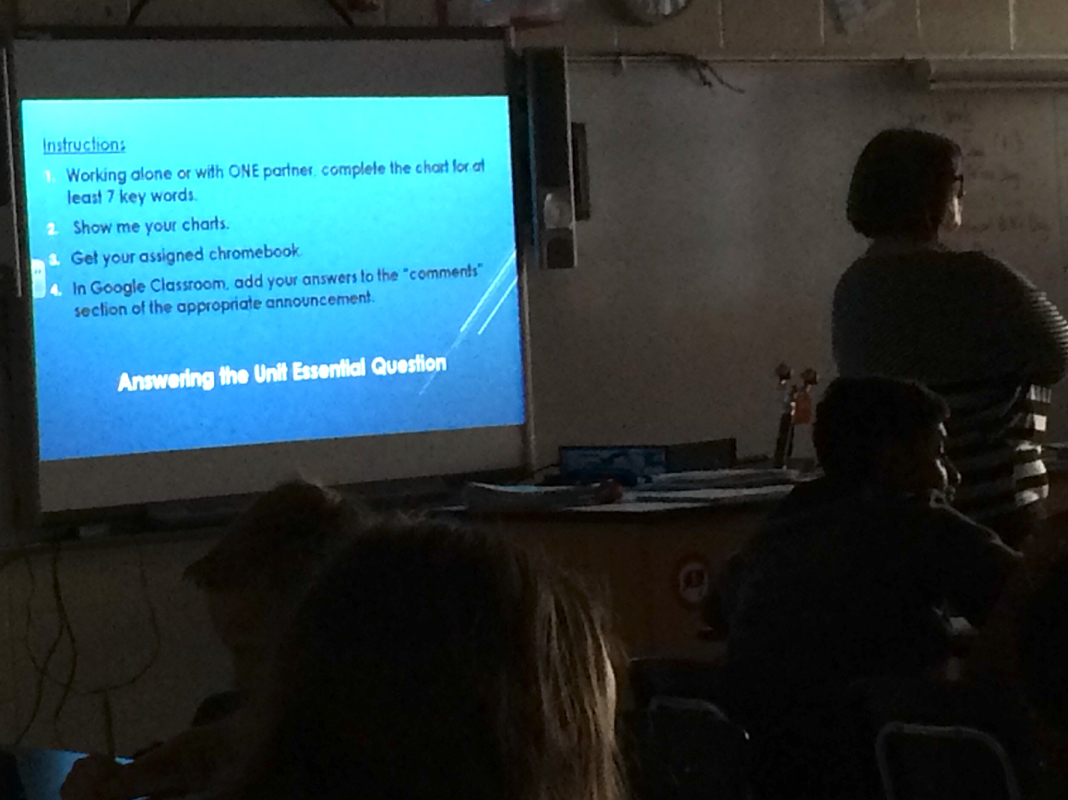
  • Have clear directions posted so students can see their task and objective even before logging in.
  • Circulate, probe, and offer live feedback as students work. As students showed her their work, Ms. Adornato would ask follow-up questions to bring out higher-level thinking and to push basic understanding to the next level.
  • Have a plan for distributing and collecting tech. Ms. Adornato allowed students to use the Chromebook only after they had completed a first step. She had already assigned each student a Chromebook , so when they were ready and she'd checked their work, all she had to say was "now go grab the Chromebook number listed next to your name on the roster on top of the cart" this also prevented them from inputting false information into the comments of each announcement)
  • Use the best high-tech or low-tech tool at your disposal for each task in the lesson:
    • Sometimes paper is best- for sketching notes or quick work as needed.
    • Sometimes face-to-face is best- for questions, help and to be sure students are ready to move on.
    • Sometimes online is best- Make the most of each method- it wouldn't make sense for a community of students to work silently alone so make sure students can collaborate live. However it wouldn't make sense for the value of that collaboration to not be shared or available for later use, so by allowing students to enter their comments in the stream, each group can learn from the ideas of the others.  Moreover, each group can come back to the stream when it is time to do their project and take the best information for use in their final product!

Check out the photos of the lesson as it progressed below:
Picture
Students could view the lesson workflow upon arrival to the room.
Picture
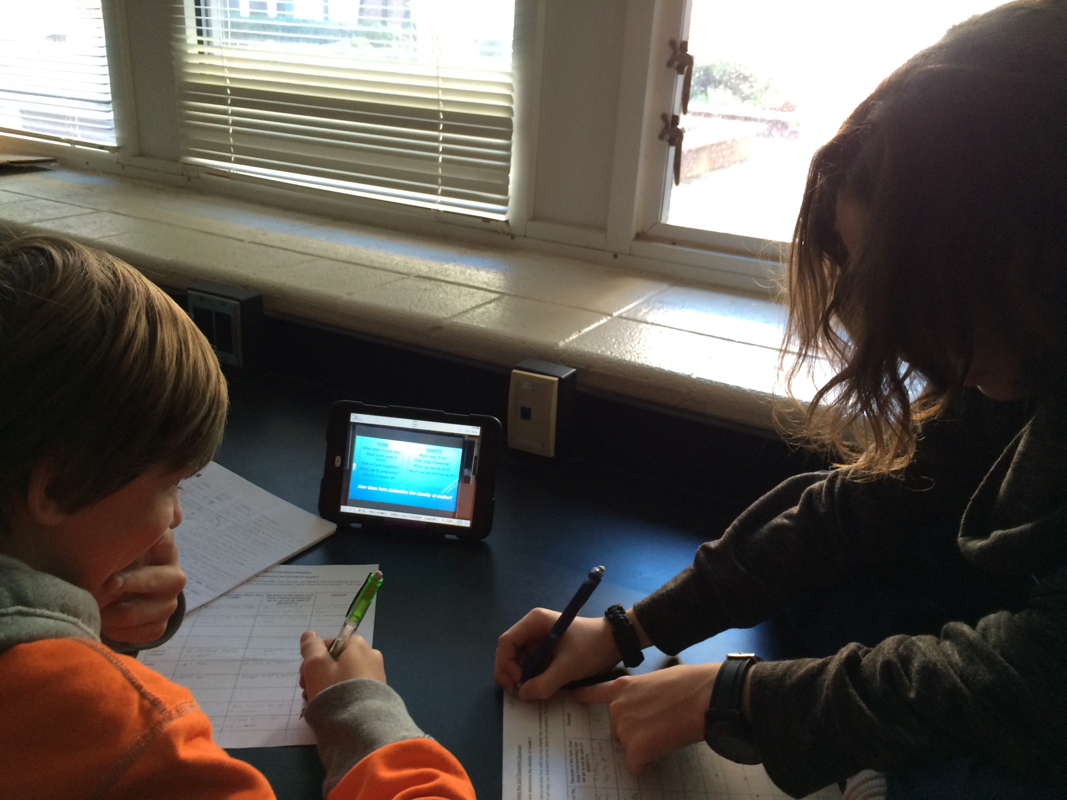
Students were able to work together on gathering information.
Picture
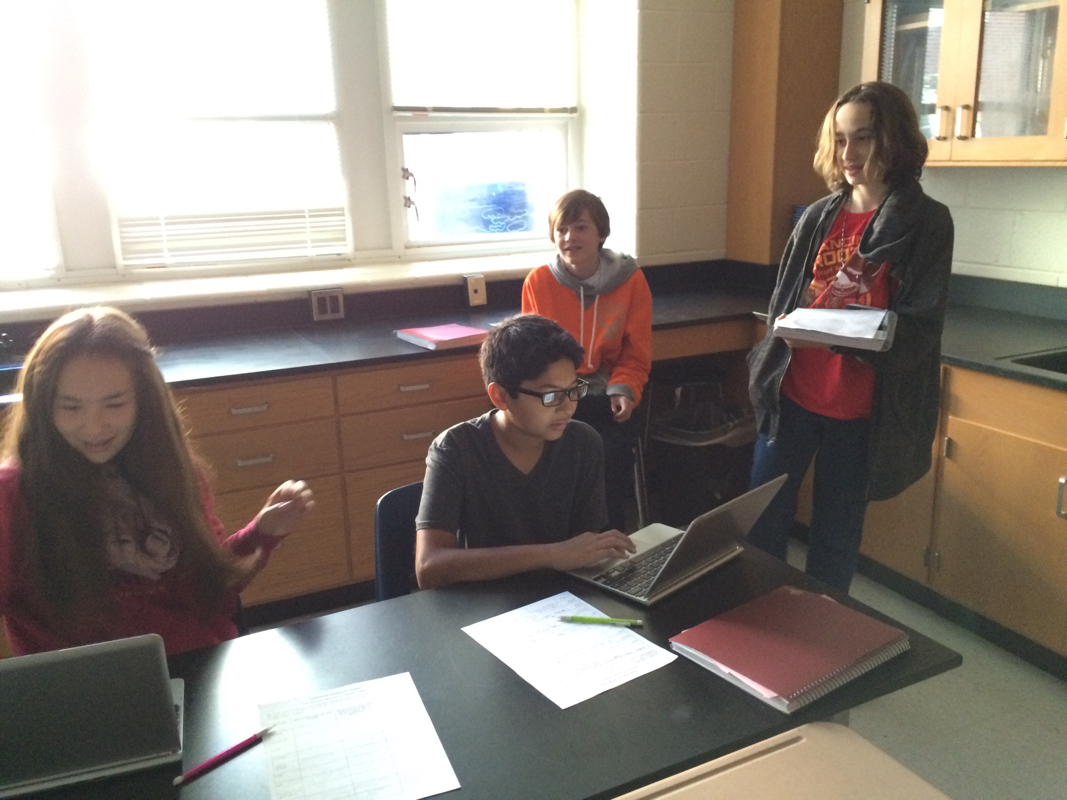
The collaborative atmosphere was happy and cooperative and the noise level was a soft busy hum.
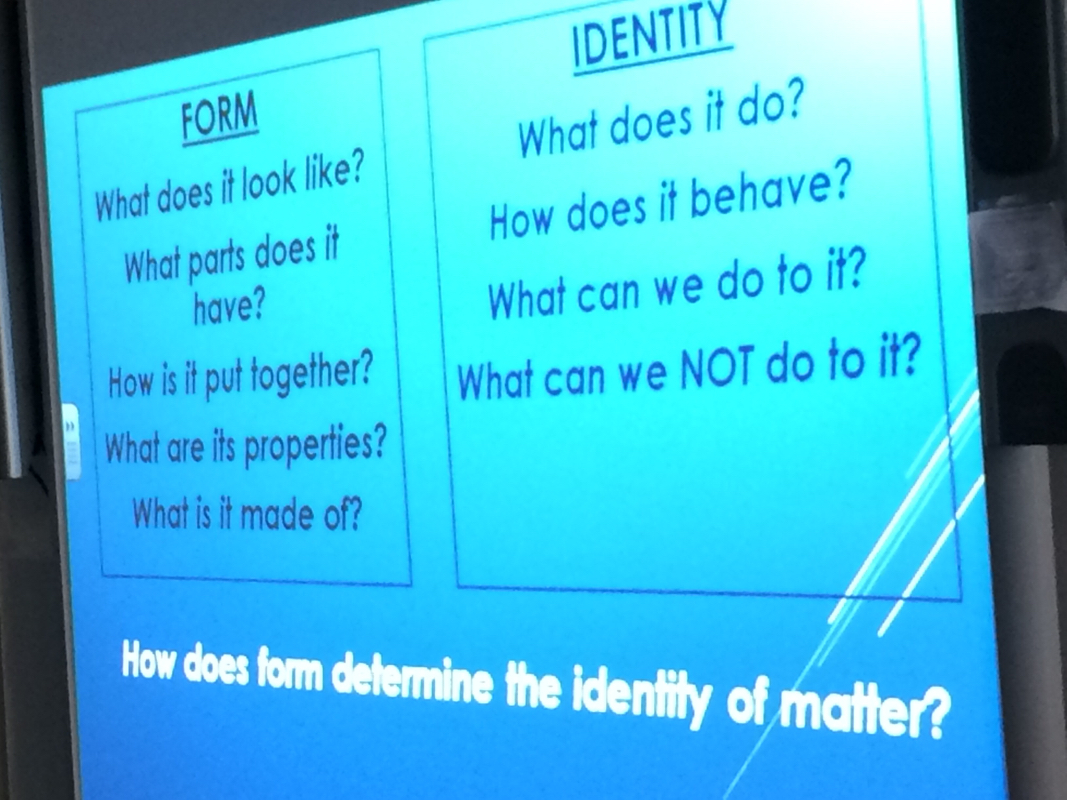
Picture
Ms. Adornato used both real-time and projected questions to keep students on the right track and digging deeper toward the goal.
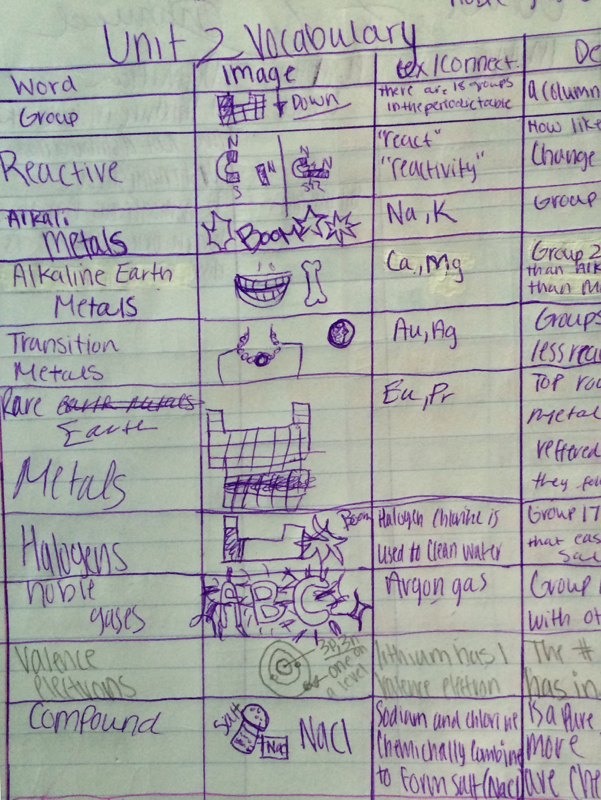
Picture
The image sketches in this students' notes are an example of a task that changes somewhat via tech so when paper is best (or wifi is worst) feel free to use it! For more on the role of visual notetaking, click the image.
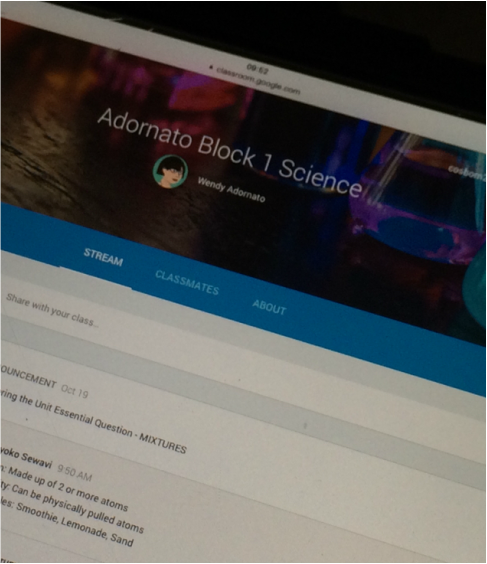
Picture
Ms. Adornato created and posted separate "announcements" for each topic she wanted students to address in her Google Classroom stream. (these announements can easily be added to mulitple class sections)
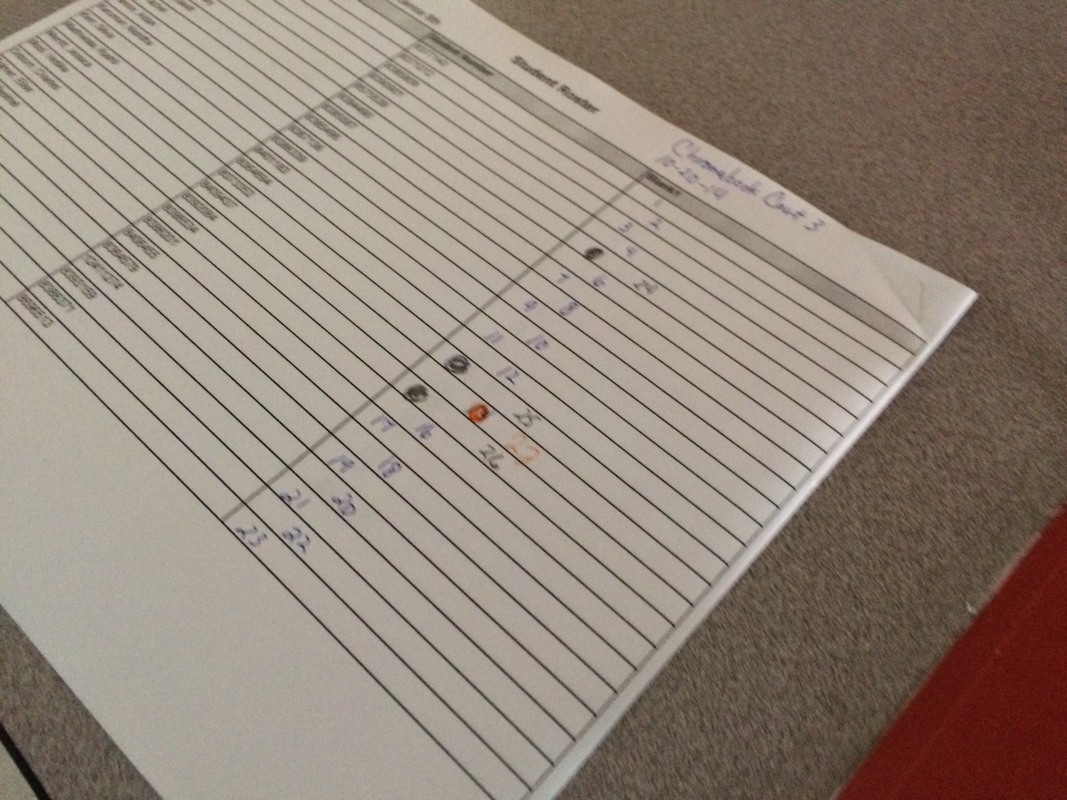
Picture
A roster placed on the Cart showed the students which number chromebook to use as they were ready.
Picture
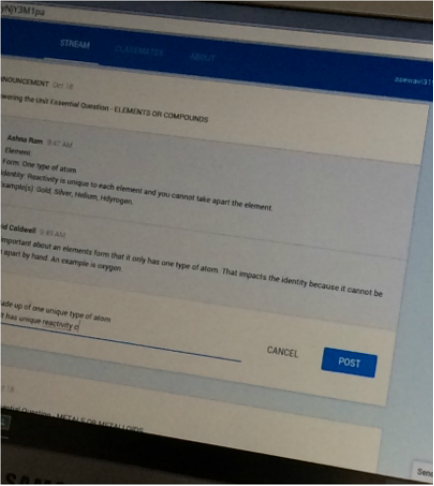
Students can read other comments as they post their own on the essential questions. The comments become a permanent record that can be used again when it is time to create a final product.
Picture
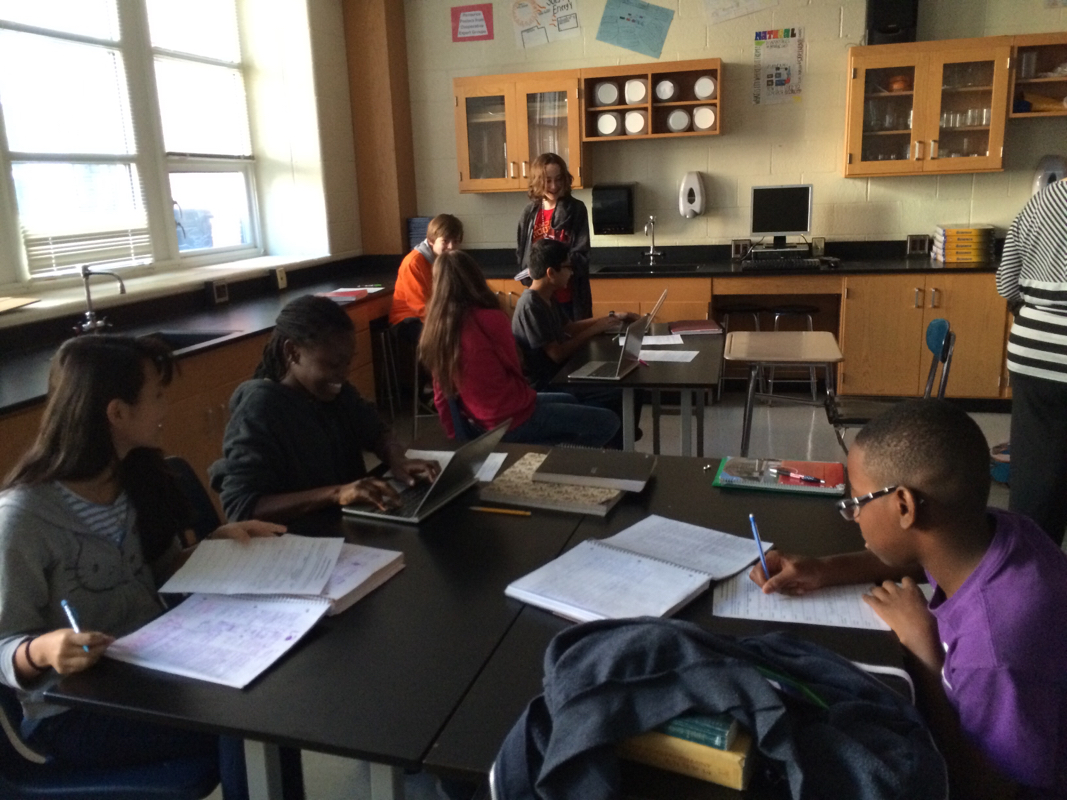
Using the best features of the tools available to suit the learning goal: Ms. Adornato's students work whole class, small group, individually, and with teacher guidance using both pen and paper and tech in one lesson.
Related:
http://piedmontpd.weebly.com/piedmont-pd/category/gafe
http://piedmontpd.weebly.com/piedmont-pd/category/blended

http://piedmontpd.weebly.com/lesson-ideas/student-introduction-to-google-classroom
http://piedmontpd.weebly.com/piedmont-pd/how-to-use-google-classroom-teacher-instructions

0 Comments


Leave a Reply.

    Celebrating  Piedmont : a blog of Happy Happenings

    Categories

    All
    Active
    Art
    Ban Boredom
    Character Ed
    Community And Service
    Cte
    Digcit
    Drama
    Gamificaton
    Geniushour
    Hard Fun
    Humanities
    IB
    Lol
    Maker
    Makerspace
    Math
    Music
    Orchestra
    PBL
    Personalized
    Personalizedlearning
    Reading
    Real World
    Science
    Service In Action
    Social Emotional Learning
    Social Media
    Socialstudies
    STEAM
    STEM
    Test Prep
    Travel
    Visual Literacy
    Visual Storytelling
    World Languages

    Archives

    December 2019
    November 2019
    September 2019
    May 2019
    April 2019
    March 2019
    February 2019
    January 2019
    December 2018
    November 2018
    October 2018
    May 2018
    April 2018
    February 2018
    December 2017
    November 2017
    October 2017
    September 2017
    May 2017
    April 2017
    March 2017
    February 2017
    January 2017
    December 2016
    November 2016
    October 2016
    September 2016
    June 2016
    May 2016
    April 2016
    March 2016
    February 2016
    January 2016
    December 2015
    November 2015
    October 2015
    September 2015
    June 2015
    May 2015
    April 2015
    March 2015
    February 2015
    January 2015
    December 2014
    November 2014
    October 2014
    September 2014
    June 2014
    May 2014
    April 2014
    March 2014
    February 2014

    Author

    "Celebrating Piedmont" logs only a small fraction of the learning magic the teachers of CMS' Piedmont Middle School, an IB World School. create daily. In that sense, it is authored by all the staff and students of Piedmont.  It is curated by Ms. Gurthie who can be reached at the icons above. She'll be happy to brag about Piedmont's teachers and students any chance she gets!  Please note this blog has only just begun and we have so much to show off! Come back again soon!

    RSS Feed

Powered by Create your own unique website with customizable templates.
Photos from Yellow Sky Photography, Nicholas_T, Wendy Longo photography, Gidzy, Mara ~earth light~, seyed mostafa zamani, Y'amal, slopjop, Kevin Shorter, davecito, Nina Matthews Photography, Rob Stemple, davidmulder61
  • Celebrating Piedmont
  • StudentSpace
  • Piedmont PD
  • Lesson Ideas
  • News and Thoughts
