Try Siop Strategies
TRY Go NoodleOn days when seatwork or lecture might get intense, taking a Go Noodle break helps students stay fresh and actually accomplish more. Go Noodle is a site I learned about from the early elementary teachers in my #edufam online PLC. (Check out this link for more of what elementary teachers say about Go Noodle, but don't be put off by the younger kids, it works for teenagers too!)  Go Noodle has categories so you can choose calming, stretching, educational, or other kinds of movement. They even have an INDOOR RECESS channel where I found this gem! I wasn't sure it would be to juvenile, but I tested it out last year in the media center and the kids were into it! I think it's great for middle schoolers, too. They think the videos are hilarious and you can gamify it by creating a class and earning points for each dance you do. The all time best earworm is probably PopSiKo And really, how can you call yourself a true middle school teacher if you aren't letting your students get up and dance to KidzBop?! Go Noodle is here with KIdzBop Dances to rectify that problem, stat. Are you still not convinced? Need help getting started? I will show you my MakerSpace Go Noodle Channel, I will come to your classroom to run a brain break with your class, or you can follow this script:
If dancing is just too out there for you, why not start with SECRET HANDSHAKES? If that is too ridiculous for you, you can have the students make up their own. If you definintely want to avoid dance, try a stretching video like: If you are all-in and have no limit, let them freestyle with these crowd pleasing videos:Go Noodle is just one of the many ways to find a quick way to stretch, move, circulate, regroup, and reenergize. Related Posts: VocabBall http://piedmontpd.weebly.com/lesson-ideas/incorporating-vocabulary _ Dance Your Lessons http://piedmontpd.weebly.com/piedmont-pd/1 Many More Active Learning Strategies and Active Test Prep Strategies http://piedmontpd.weebly.com/lesson-ideas/category/active-learning_
0 Comments
Do you know that IQ is a myth? That the test was never meant to be given to neurologically healthy individuals and especially for it not to be used for ranking. Yes, there is such a thing as talent, but IQ is not fixed and everyone is gifted at something. Do your students know this? It's time to tell them because students who believe there is such a thing as "smart" or "dumb" do not try as hard as those who believe that smart can be achieved with effort. For more on growth mindset google Carol Dweck 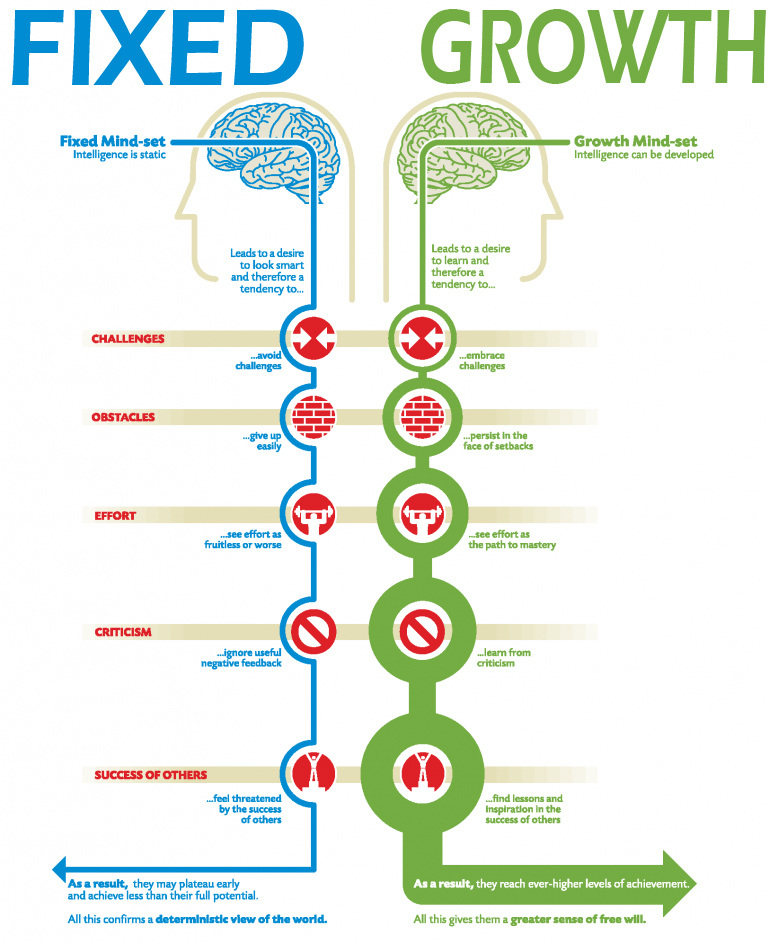 Following is a Youtube Playlist of videos that explain growth mindset. I am in a training right now that says we should explicitly teach students growth mindset. The video they used (in the playlist) is called Austin's Butterfly and it shows the butterfly images in the photo below. It illustrates how students can all get better over time with focused effort and constructive feedback. If you take time to show how this first grader improved his butterfly drawings from drawing one to drawing six, students will be more likely to trust that they will improve equally stunningly in your class. 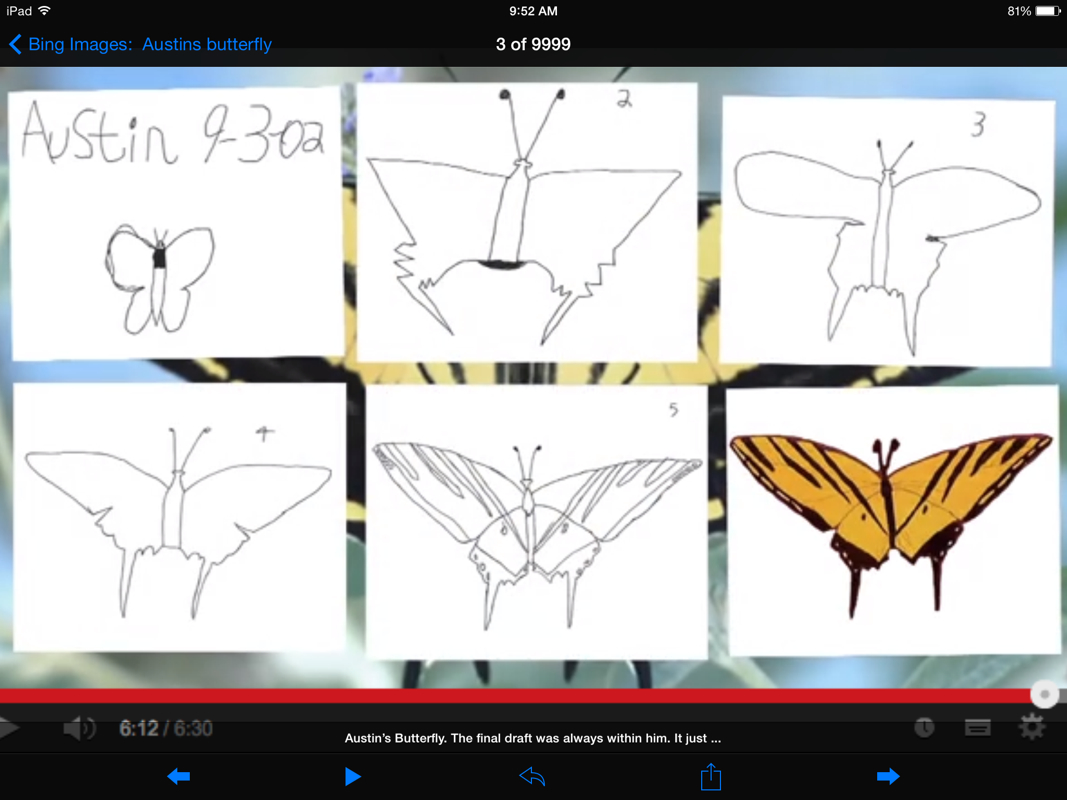 Another growth mindset example students might understand is the video game example. When a student starts out on level one and they die, they are not sad about it, they just keep going knowing full well that they will improve with practice. Help them transfer that surety and confidence to the effort they put into your classroom.
See me if you want to connect this to your actual content lesson in a more direct way or if you want me to come speak as a former psych teacher to your students about neuroplasticity (I can even tell them about the student I taught who LITERALLY had half a brain- and her entire brain rewired so you would never even notice!) Part 1 Finding your own Classroom Management System Some people use the term "classroom management" as code for "controlling students." I try to run my class without coercion; to control the environment not the people. Because I have refined my rules over the 20+ years I've been a teacher I DO NOT let my students make the rules. I am an expert in how I want the class to run. They do not know yet how well things can go with my method, so I don't invite them making the rules until we've lived by my rules for a while. For teachers who are looking for a system, my advice would be to pick and choose from methods of teachers you observe. Here are mine. If you wish to add your own ideas please share them in the comments section because I know my method won't work for everyone. Creating climate is highly personal and there are many ways to create a positive one for learning. Teachers should use others ideas to cobble together a method that will work for them, their students, and their climate goals. My most effective classroom management strategy is a paper"Activity Wheel" hung where every student can see it. The activity wheel is an oval bright yellow handmade poster with the name of each main type of instructional strategies we use. In the center is a red arrow that spins around the wedges. I actually move a paper arrow around the wheel to point to the activity title as we begin it. I might also read aloud the rules again as a reminder. I may do this several times a class because I always had a lot going on. When I did have problems, I usually could nip it with a discussion and by showing true caring. Sometimes when things went south for the whole class, I had a lot of luck going in the next day and saying to the child, to the group, "I am still thinking about last class and I am coming in today ready to do what I can to fix what went wrong." Then I could either say "here's what I will do and what I needed to see from you" or invite a discussion " What did you see that was out of line? What can we do to fix it? What if that doesn't work." OK today's a fresh start. The best thing to work was showing that I really cared about them and about making sure everyone could learn and be respected. One thing that always worked is never letting a putdown slide, but that was because it was like nails on a chalkboard to me so easy for me to care about and stop right away. Below are embedded google docs my presentation slides when I teach the concept of respect and the activity wheel to my students. You can download to your google docs and personalize it according to the procedures you want to see.
Relate the animal school story to Multiple Intelligences (helps you and the students understand each other and minimize your differences while working to your strengths) Sample Rubric - for Class Discussions without Raising Hands Sample First Day Setting the Climate and Explaining Procedures lesson- A Visual Scavenger Hunt: 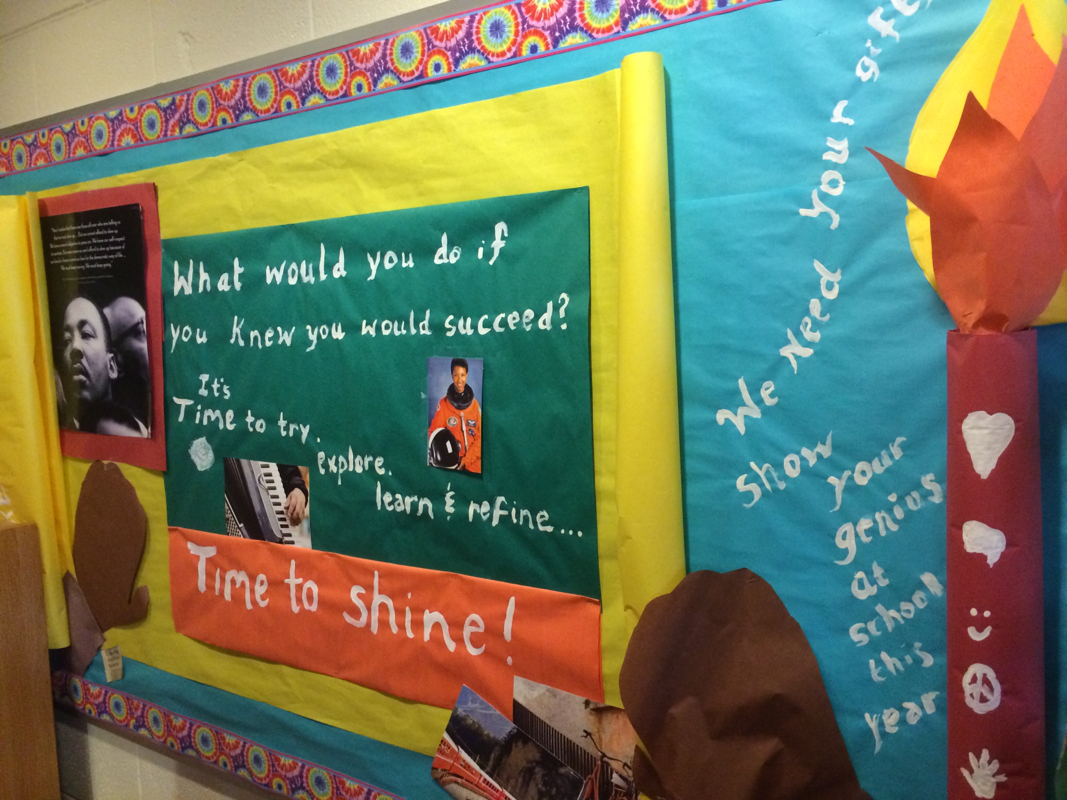 In my crystal ball I see the future of education will be makerspaces. Maybe that prediction my own wishful thinking, but I sure hope it's true. A move from content-driven fact regurgitation to studio, and lab-driven workshops can only be a good thing for our students' futures. At the rate of change in todays world, a skills-based, passion-driven, and failure-tolerant exploratory environment is the way to go! Makerspace FAQ What is a makerspace? Jake Standish defines a makerspace as any place or process that provides students the opportunity for creative expression and the pride of feeling "I made something cool!" I see it as a way in school to experience what visionary STEAM educator Seymour Pappert terms "hard fun." Makerspaces are a place to both instill and nurture students' interests organically. If you are ONLY looking for quickest test score increases, maker ed will not be for you (and I feel sad for your students.) However, done well the maker method results are INCOMPARABLY more long lasting and far reaching than traditional instruction. How did the maker movement in education start? Makerspaces in school grew out of the hackerspace movement as a way of integrating STEM or STEAM back into schools and a response to the oversanitization of education. If you are curious how they look outside of a school stetting, there is a hackerspace near our school. google "Charlotte Hackerspace" to find where and maybe do a field trip. There are also maker faires in many areas. Do I need to be an engineer, a tech expert or a scientist to run a makerspace with my students? Not at all. Students can teach each other, learn from videos or instructions, or get help from adult or high school volunteers. Just provide the supplies and let students decide what to do with them. Makerspaces do not have to include electronics but there are many creative electronic kits out there that are affordable even for a beginning school. Check the resources question below for a few. " if you know the right end of a soldering iron , adafruot will get you the rest of the way." - Jake Standish of CMS I can't abide chaos, should I even try this? Yes, frustration and false starts will be common, valuable, and instructive, but you can minimize the chaos with rubrics and directed projects and minimize the mess with 3D printed and computer based projects. Ideas are on the Pirate STEAMShip page. I also recommend partnering with a chaos-tolerant co-teacher! Put your classes together! How can I get started? Rather than worry about who would use it or how, we got started by gathering anything that could be used into one spot and cataloging it:
When Ms. Newburger came back as our media specialist, she created a permanent makerspace home and improved the vision and -while waiting for the funding for her larger vision, immediately re-created the media center. She
Where can my students and I find ideas?
What equipment?
Makerspaces as an Extention of PBL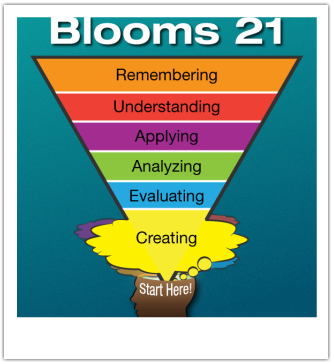 Creating should be the driver for learning! Creating should be the driver for learning! PBL - project based learning, also called Passion based learning can be student-driven and creation driven. This kind of PBL - known as Love of learning, 20% time and Genius hour is creating some great results is based on the idea of flipping blooms (see image) while also giving students a voice in what is created. It rewards intelligences often ignored in traditonal education and is more motivating that a teacher-driven class. It can also be the bait that drives students to grow their skills as they see the need. At Piedmont we are one of the first CMS schools to create a makerspace. Our MakerSpace supplies are the perfect compliment to make-ify your lessons and/or nurture the variety of genius in your classroom! In addition to our extensive collection of multiple intelligences apps, Green Screen, Collaboration Board area, MakerSpace workbench and Makerbot Replicator 2 3Dprinter housed in the media center, we have mobile carts of supplies available for checkout to your room. Check this link for the full list of offerings http://piratesteamship.cmswiki.wikispaces.net/STEAMshipCarts See Lisa Gurthie or Lisa Newburger for ideas of how to use these in projects or curriculum. The full information about STEAM integration at Piedmont via the PirateSTEAMship is here http://piratesteamship.cmswiki.wikispaces.net Photo Gallery Piedmont's Middle School Makers in Action 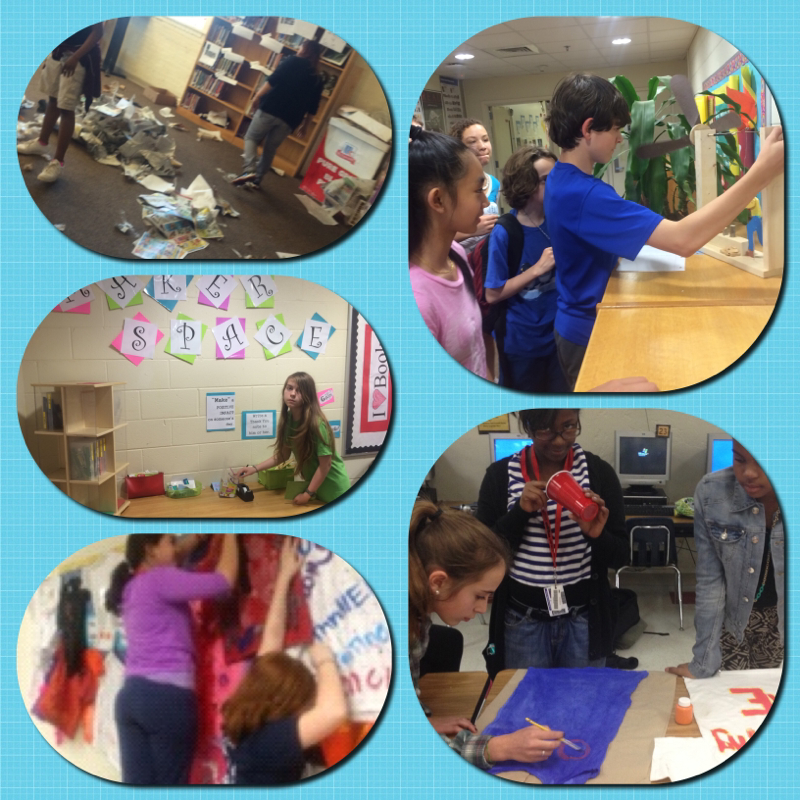 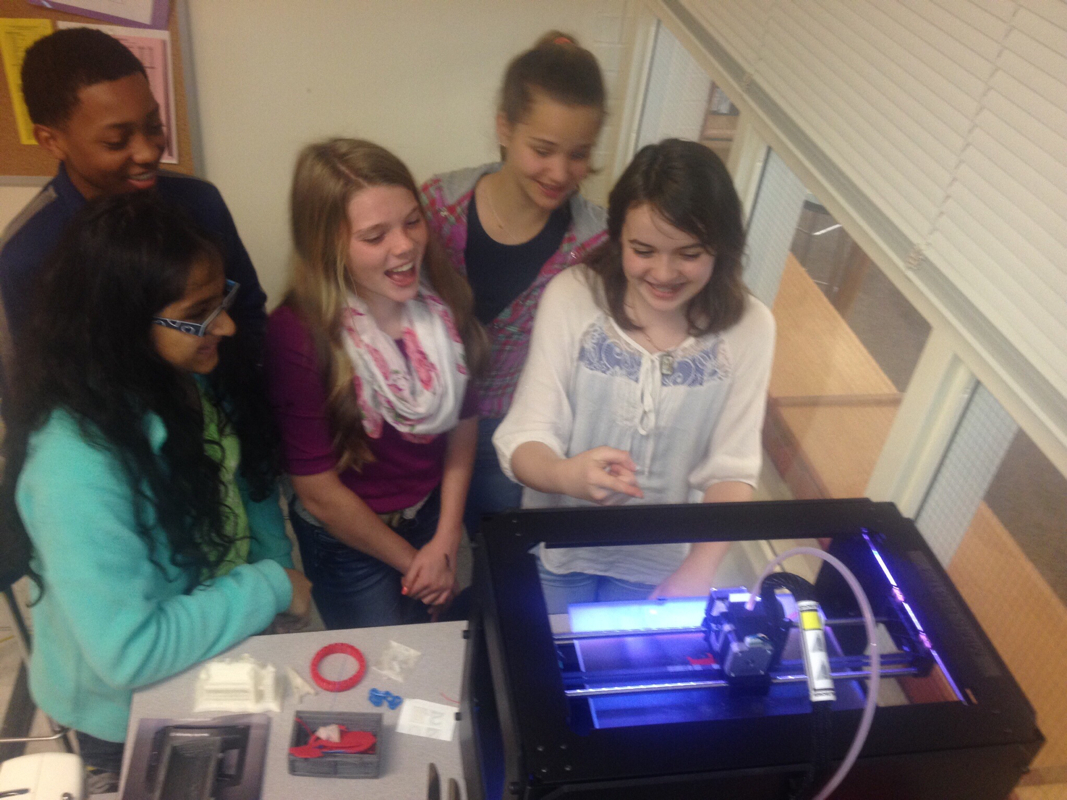 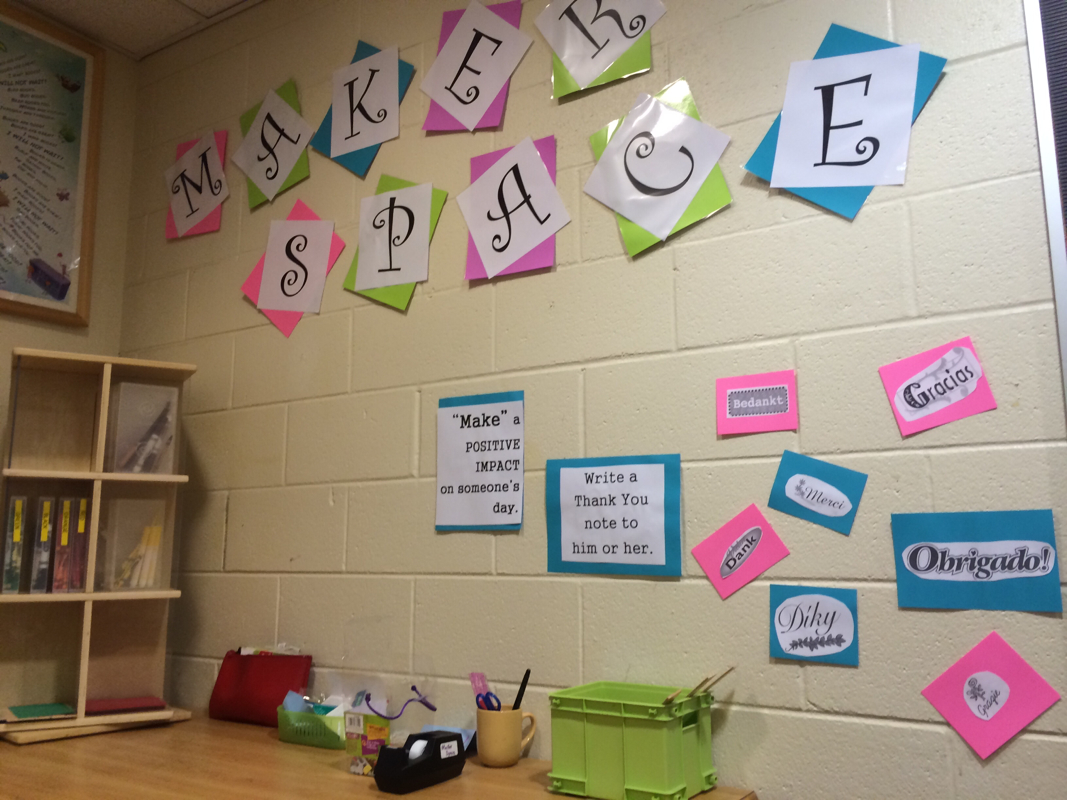 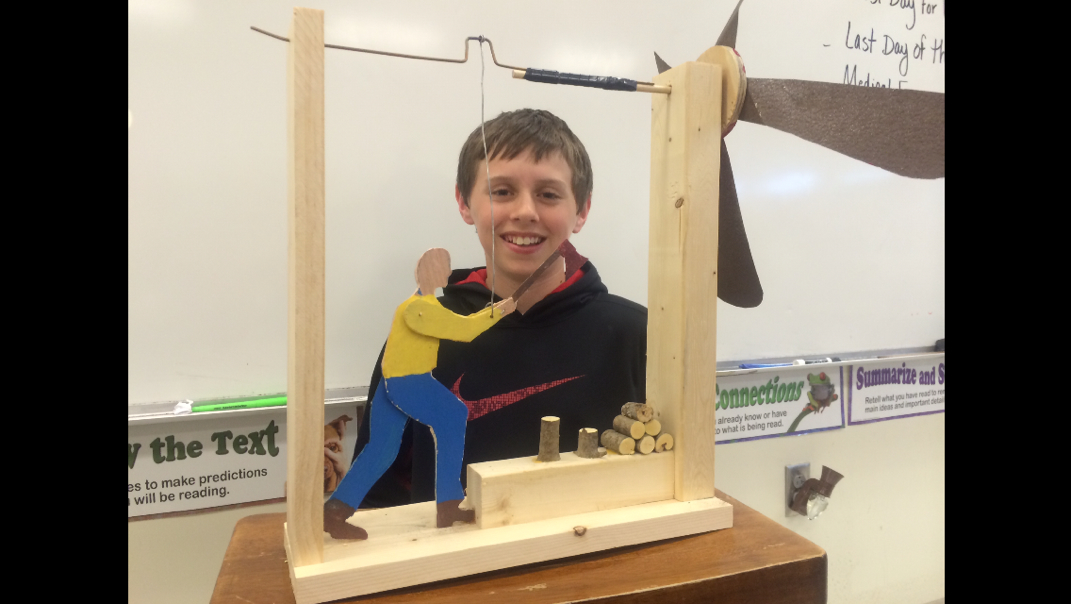 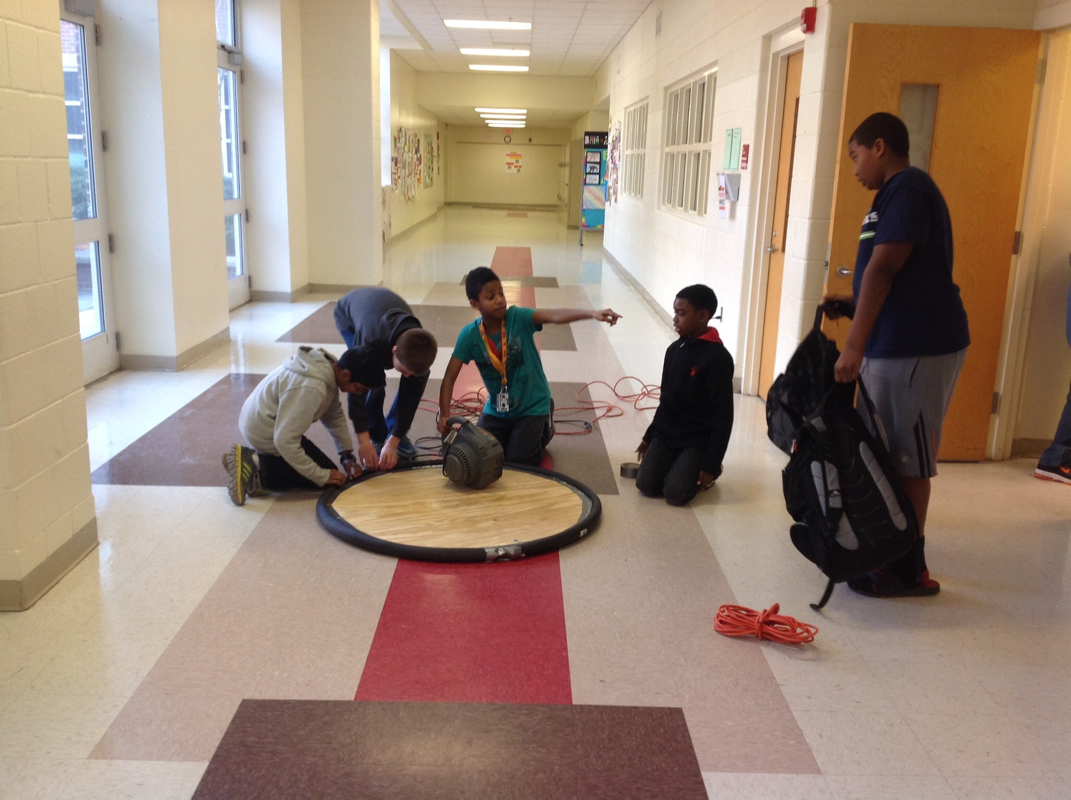 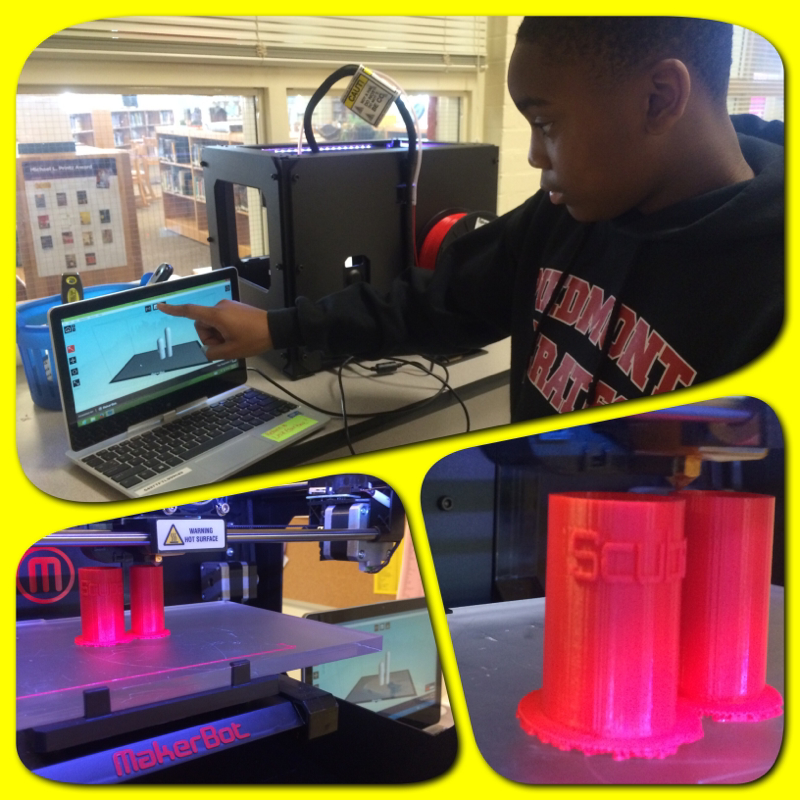 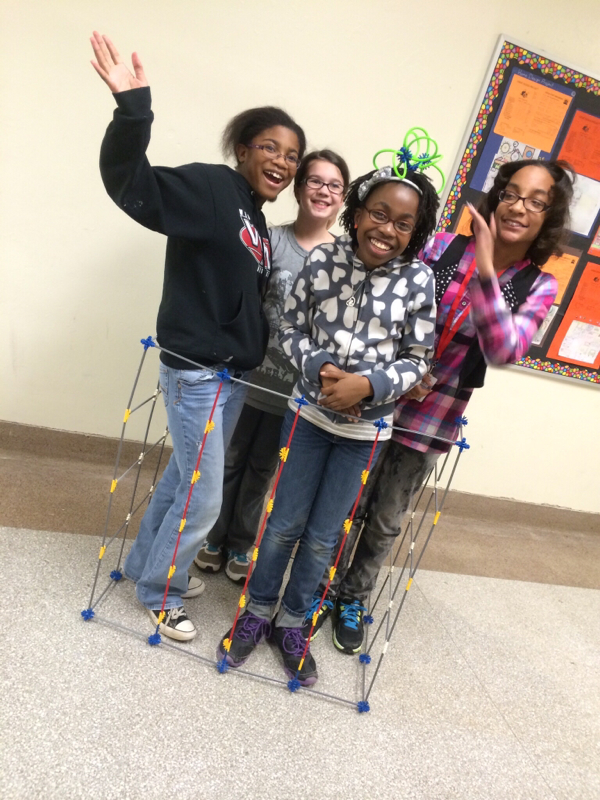 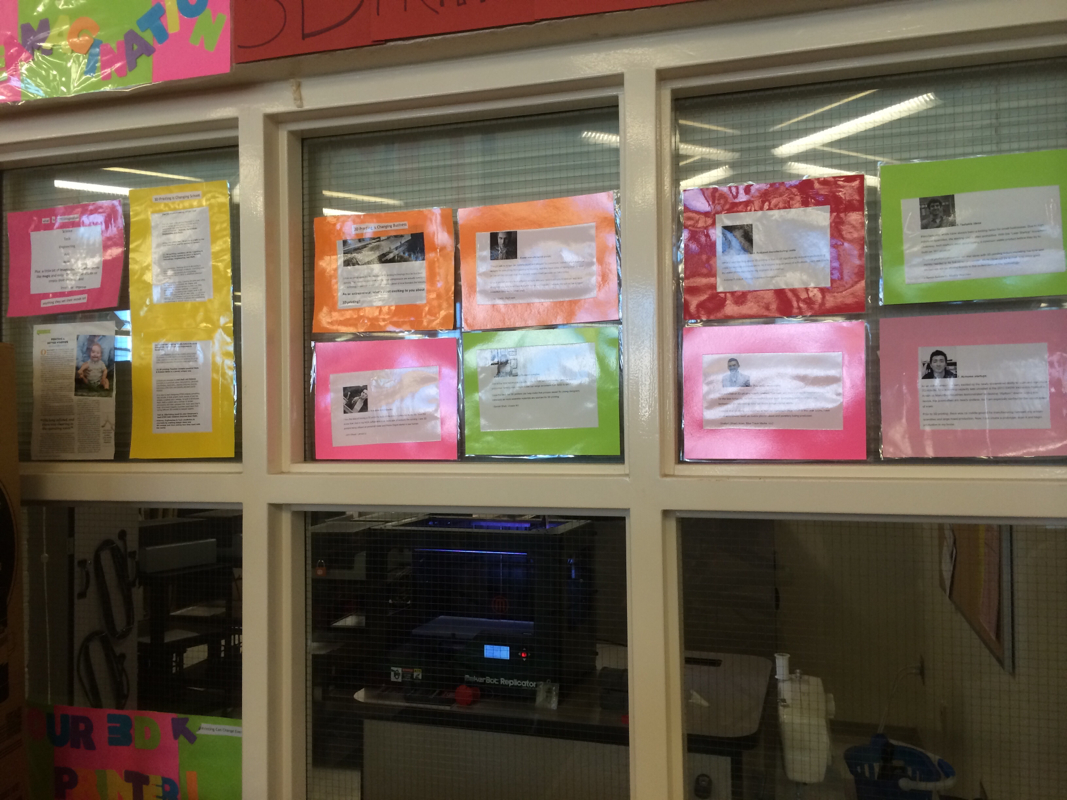 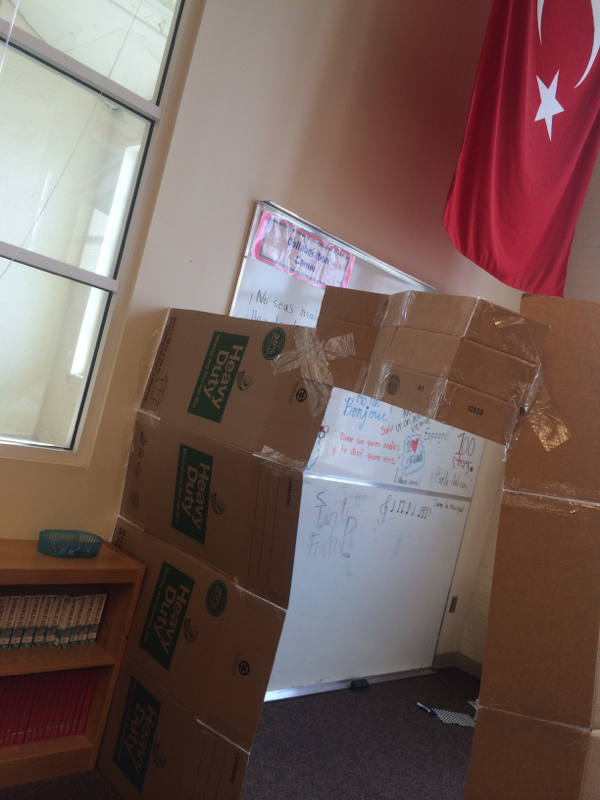 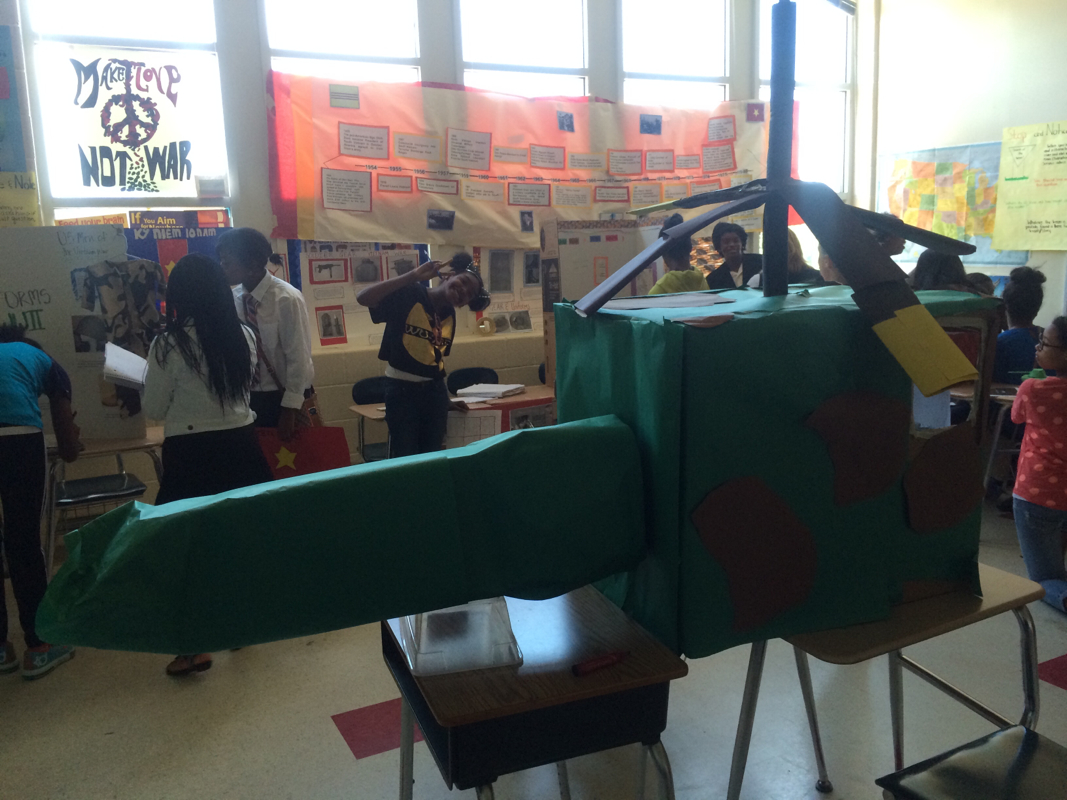 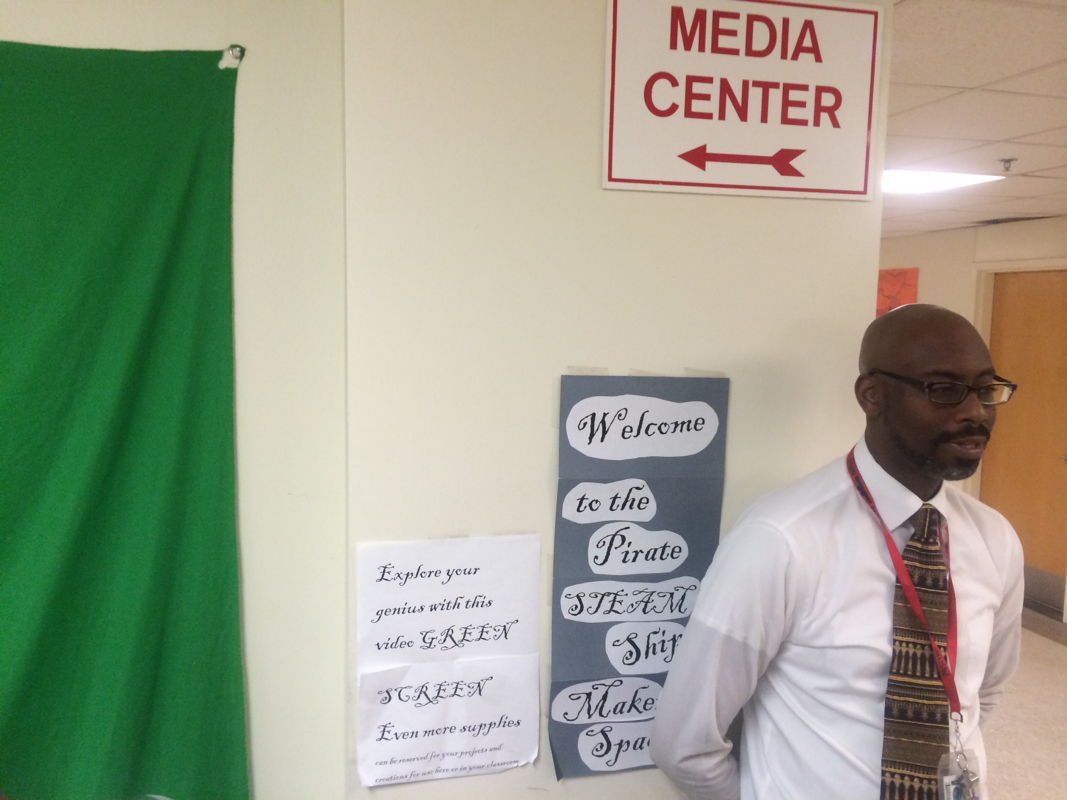 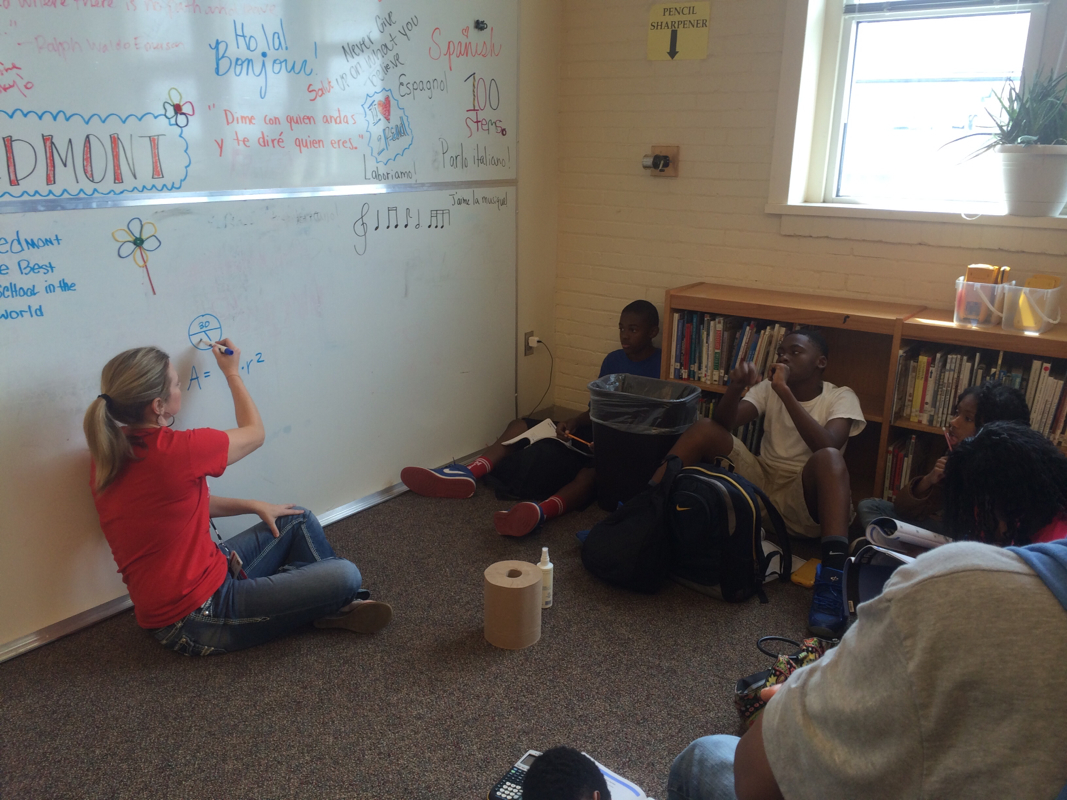 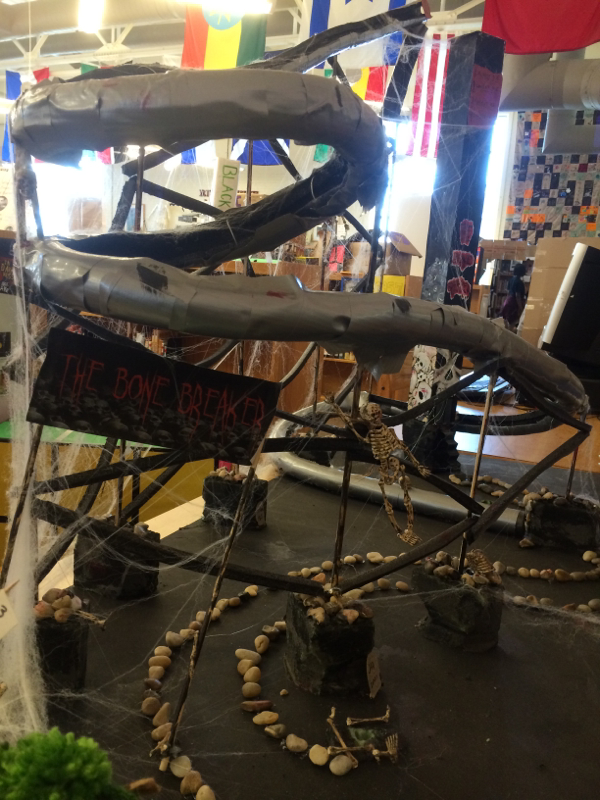 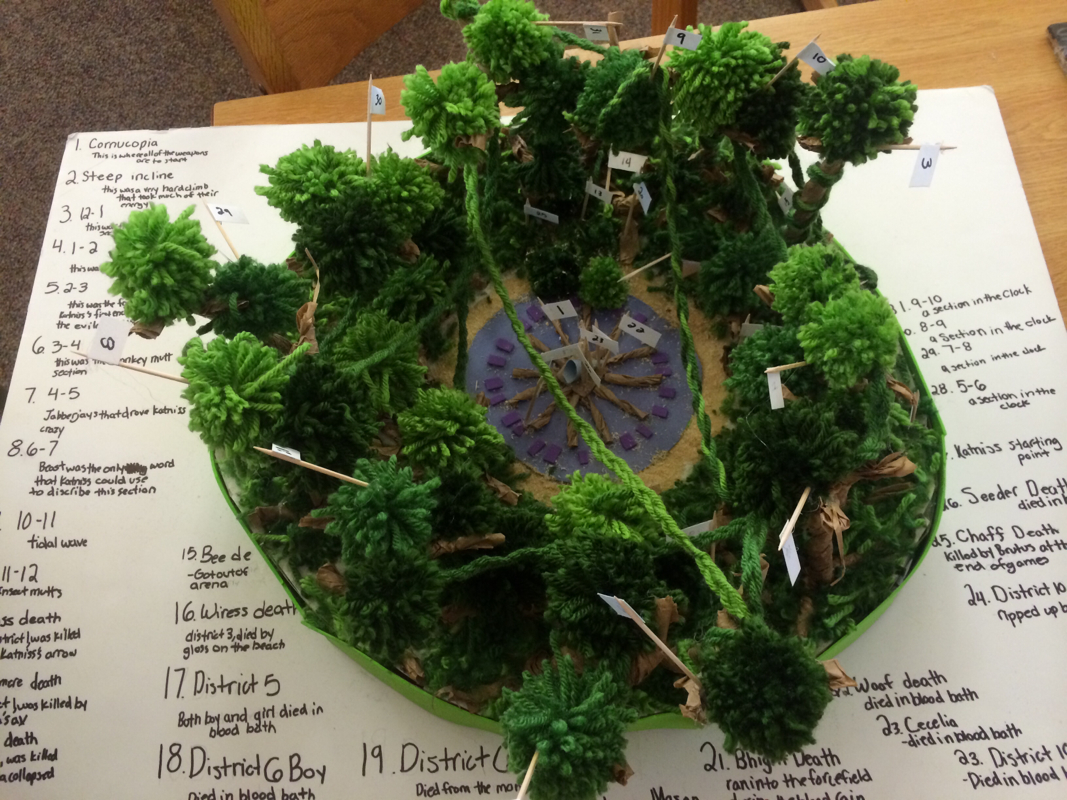 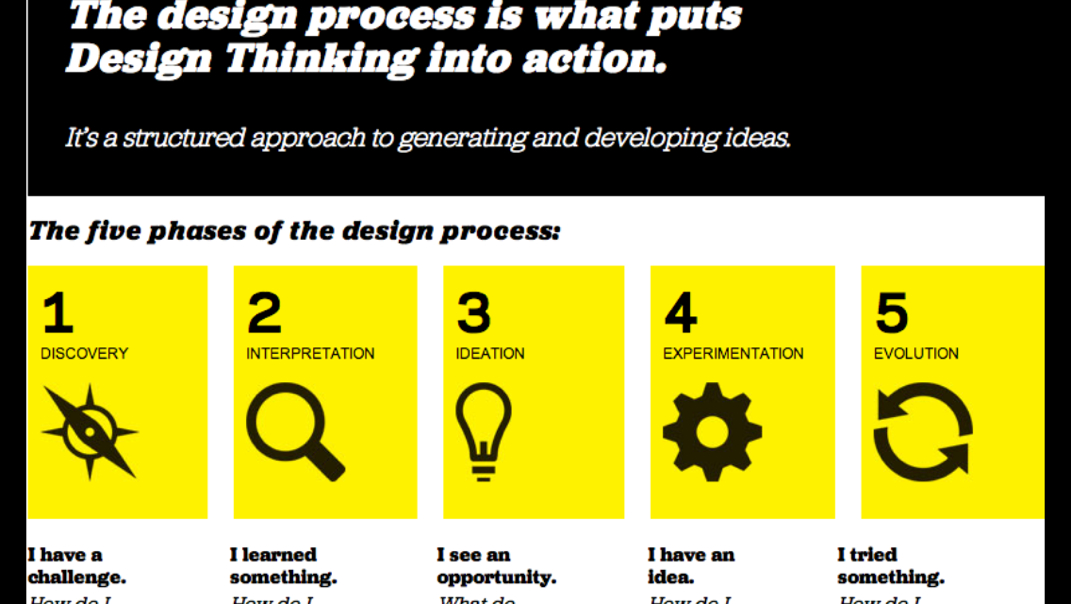
 Ok, I don't really get it myself, but I think some of you will take this and run with it, so I am sharing:
Have you heard of design thinking? there is this whole movement in education to teach by using design thinking to solve real problems. the dschool at Stanford is way out in front of how to use design thinking in education. So you can Google to find out more, but if you think you might want to try teaching by issuing your students a challenge, you can click the image to choose one of dschool's 3 "mixtapes" lesson strategies to:
 Click the roulette wheel to find a strategy Click the roulette wheel to find a strategy In a lesson slump? Sometimes it's hard to recall all the clever pedagogical strategies at your disposal when you are in the thick of wrestling with content.
When I first started teaching 25 years ago, I kept a little file box of index cards on my desk that I started penciling in strategies into, one per card. I lost that box and I never did keep it up anyway as I was ovewhelmed with teaching, but thanks to Kelly Jo Rowan, (and Mr. Tornfelt for sharing) I now have all those strategies in one handly location! Just scroll through the strategies here at the Glossary of Insructional Strategies. With a list this exhaustive, you're sure to find something that will fit with your objective. Not all strategies suit all objectives, but sometimes it is fun to choose a strategy and see how you can make it fit. |
Categories
All
Author I am Lisa Gurthie the PD facilitator at Piedmont IB Middle School. She specializes in tech and arts integration, interdisciplinary, holistic education, and unschooling school to make it more real and relevant. One day I will modernize my "about" page. Check out the other blogs on this site for Lesson Ideas, Celebration of Good Teaching, and Piedmont PD Archives
February 2021
Categories
All
|
 RSS Feed
Photos from citymaus, The All-Nite Images, Lindy Buckley, peasap, Claudio Gennari ..."Cogli l'attimo ferma il tempo", mikemariano, faungg's photos, frankieleon, Chris Piascik, Kurisu, familymwr, kc7fys, el_itur, cowbite, eilonwy77, pestoverde, Marcin Wichary, Postmemes.com, alexliivet, UK in Italy, JoeInSouthernCA, Nathan O'Nions, jimmiehomeschoolmom, surreynews, Hans-Jörg von Schroeter, Bekathwia, CarbonNYC, marc falardeau, conorwithonen, LeonArts.at, Nina Matthews Photography, Georgie Pauwels, cwwycoff1, dullhunk, The All-Nite Images, Castles, Capes & Clones, warrenski, juhansonin, Ke7dbx, Muffet
