Try Siop Strategies
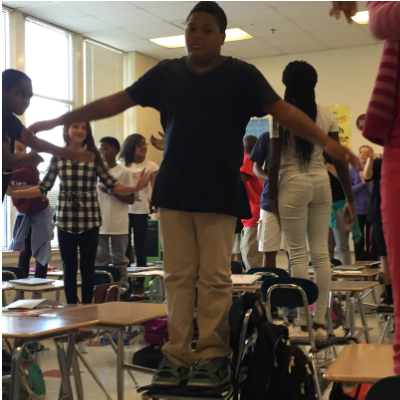
TRY Go NoodleOn days when seatwork or lecture might get intense, taking a Go Noodle break helps students stay fresh and actually accomplish more. Go Noodle is a site I learned about from the early elementary teachers in my #edufam online PLC. (Check out this link for more of what elementary teachers say about Go Noodle, but don't be put off by the younger kids, it works for teenagers too!) 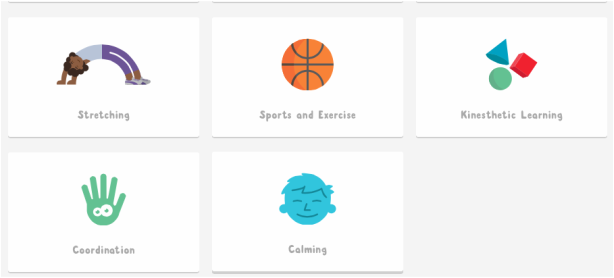 Go Noodle has categories so you can choose calming, stretching, educational, or other kinds of movement. They even have an INDOOR RECESS channel where I found this gem! I wasn't sure it would be to juvenile, but I tested it out last year in the media center and the kids were into it! I think it's great for middle schoolers, too. They think the videos are hilarious and you can gamify it by creating a class and earning points for each dance you do. The all time best earworm is probably PopSiKo And really, how can you call yourself a true middle school teacher if you aren't letting your students get up and dance to KidzBop?! Go Noodle is here with KIdzBop Dances to rectify that problem, stat. Are you still not convinced? Need help getting started? I will show you my MakerSpace Go Noodle Channel, I will come to your classroom to run a brain break with your class, or you can follow this script:
If dancing is just too out there for you, why not start with SECRET HANDSHAKES? If that is too ridiculous for you, you can have the students make up their own. If you definintely want to avoid dance, try a stretching video like: If you are all-in and have no limit, let them freestyle with these crowd pleasing videos:Go Noodle is just one of the many ways to find a quick way to stretch, move, circulate, regroup, and reenergize. Related Posts: VocabBall http://piedmontpd.weebly.com/lesson-ideas/incorporating-vocabulary _ Dance Your Lessons http://piedmontpd.weebly.com/piedmont-pd/1 Many More Active Learning Strategies and Active Test Prep Strategies http://piedmontpd.weebly.com/lesson-ideas/category/active-learning_
0 Comments
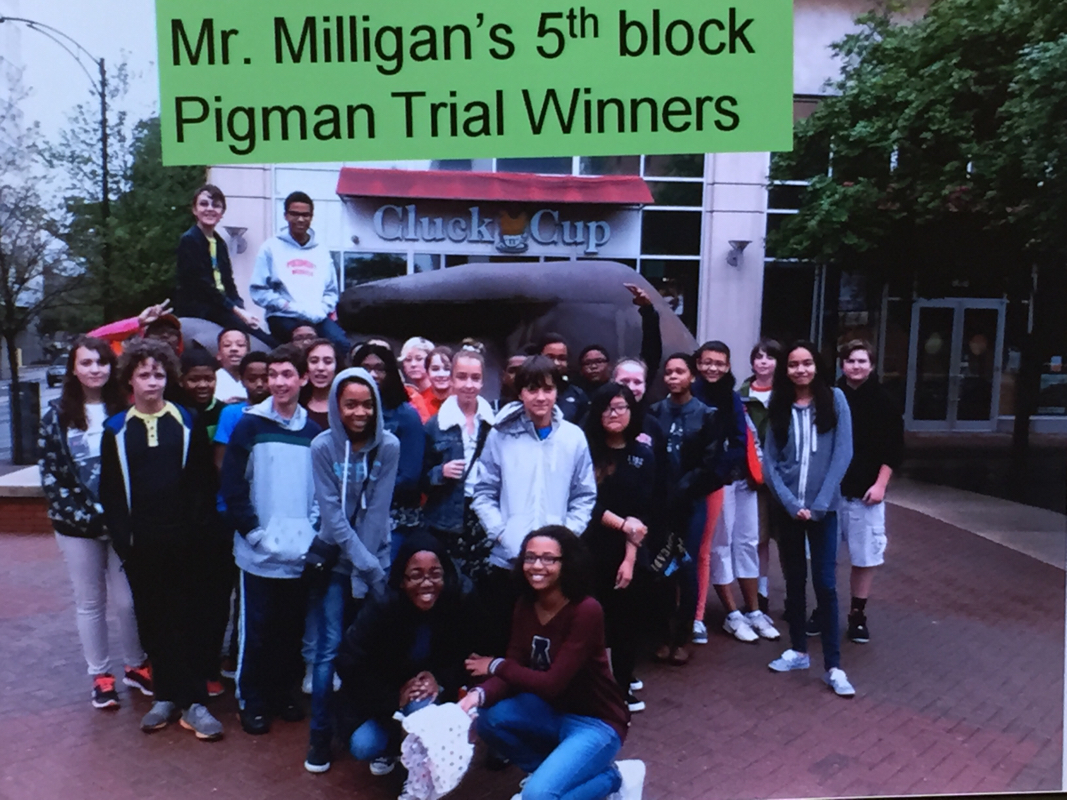
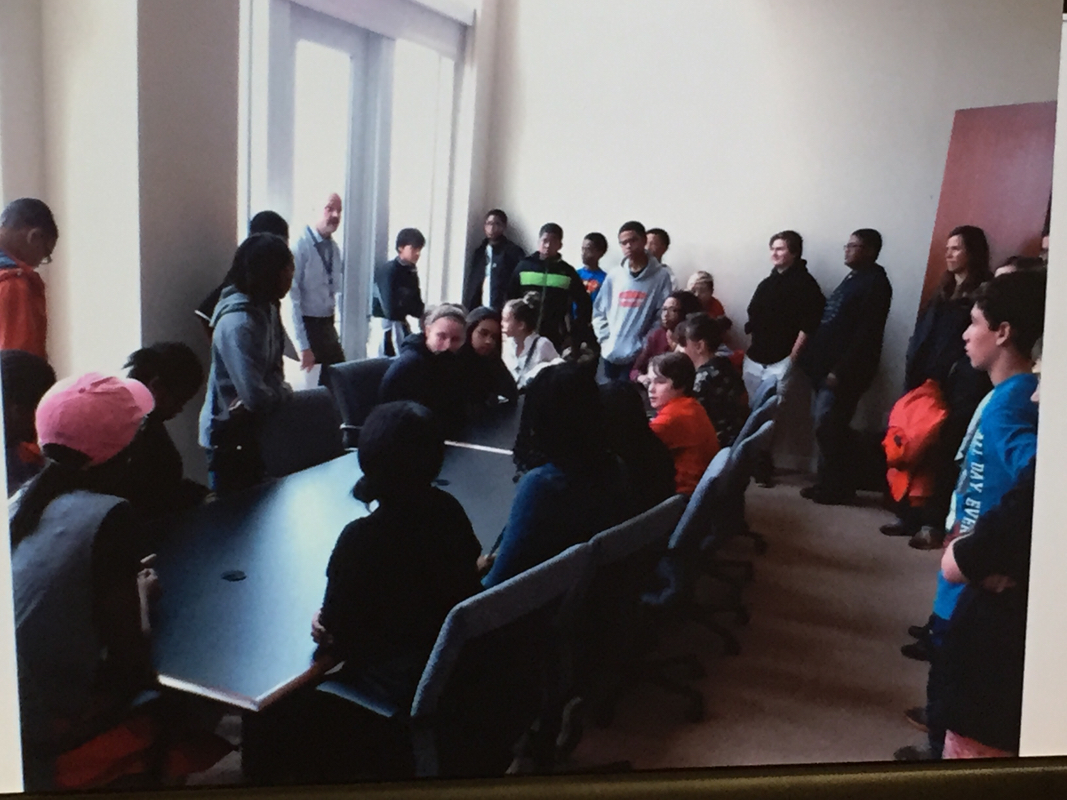
 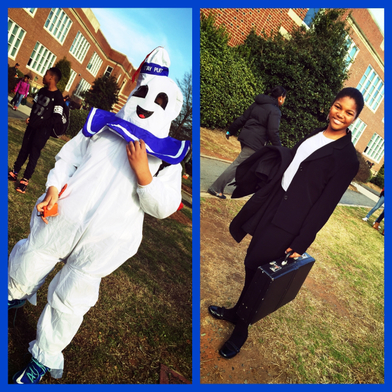 Piedmont students arrive in character to play two of the many roles in the trial. Each year characters are different according to the students' trial notes and decisions made while reading the novel. Piedmont students arrive in character to play two of the many roles in the trial. Each year characters are different according to the students' trial notes and decisions made while reading the novel. Some teachers say " Don't bring your drama into my classroom" Mr. Milligan requires it. His Pigman reenactment is a Piedmont tradition. Over the years Mr. Milligan has honed the Pigman Trial project into a complete interdisciplinary lesson that encapsulates the best of IB, reading comprehension, creative thinking, multiple intelligences, and real-world skills development. That's a pretty impressive list from just one unit but it is an all-encompassing one that is true PBL, project based learning. Even if you don't want to copy Mr. Milligan's full unit (and honestly who else could?) you can easily adapt pieces of dramatic-based learning to help your students master your content. It could be as simple as having students perform skits to explain units of a text, vocabulary charades or as complex as putting an aspect of your own content "on trial" or having students create a character from your content area and remain "in character" through a full class of interaction. See Ms. Gurthie for more ideas or to plan together.
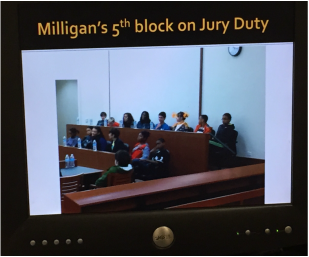 A student videographer prepared this full-length documentary video of this year's Pigman trial. Sure it's three hours long, but anywhere you click will show students thinking and arguing their point, and helping each other develop understanding in the process.
Thanks, Mr. Milligan, for using your own gifts in designing this active learning experience for Piedmont's seventh grade! For more information you can view some of Mr. Milligan's unit from his presentation on the Pigman Trial PBL year's North Carolina gifted conference here . Related Posts:
Many teachers here at Piedmont have used student-created movies to teach their content. Above are just two examples - a stop motion film of an scene from Seedfolks for Language arts and a video of a student created Minecraft Pyramid from Mrs. Kay's social studies Ancient Egypt unit. Try these lesson plans to get started
Our School Resources:
Recommended BYOT apps for movie making :
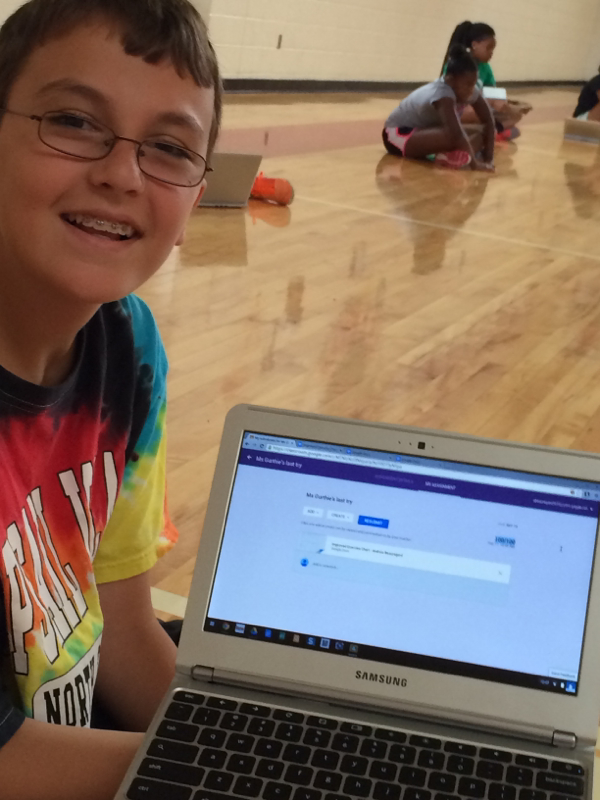
If using a shared ipad, you can upload and download the video as needed from Google Drive: (Sorry I ironically broke the cardinal rule of movie making - NEVER HOLD YOUR DEVICE LONGWAYS Learn from my mistake!) This video shows how to upload and share from your device This video shows how to turn in a video link for an assigment on Google Classroom 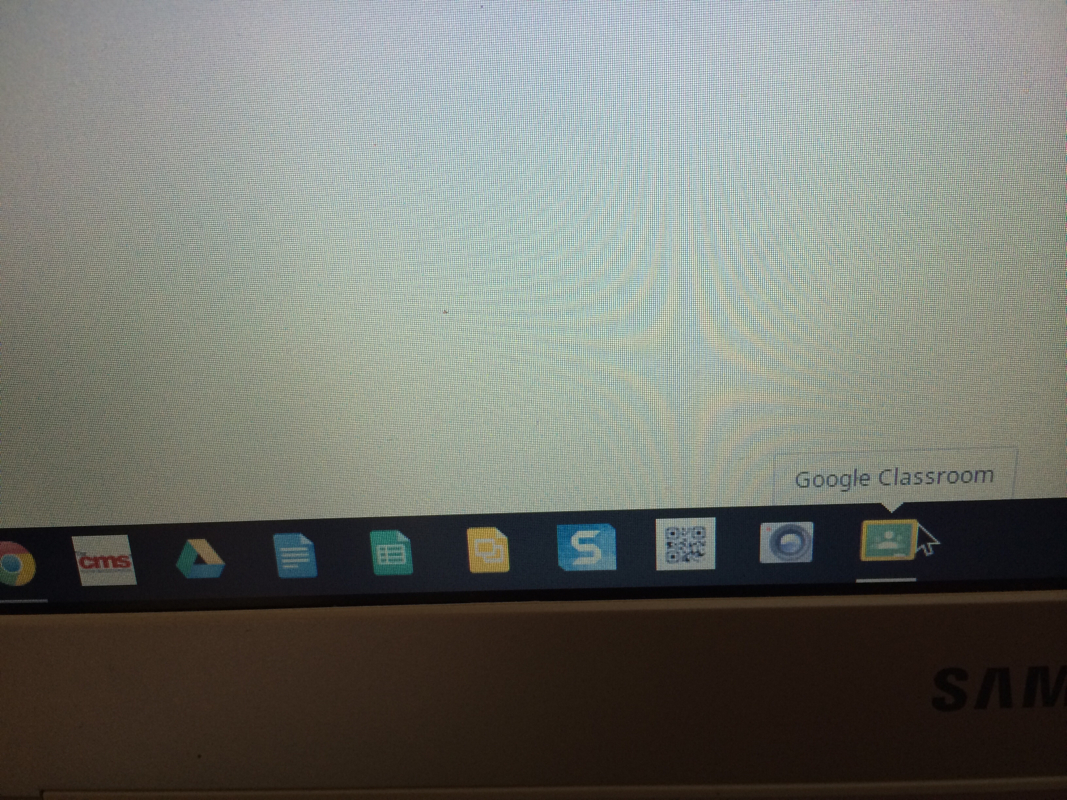 On a school chromebook? All you have to do is click the green chalkboard with the yellow outline at the bottom dock to go to classroom and you are automatically logged in. How to Join a Google Classroom:
* first time logging in scroll down the "welcome" page until you see the box that says "I'm a student" Click it and then you will see the plus sign (a chalk arrow points to it!) 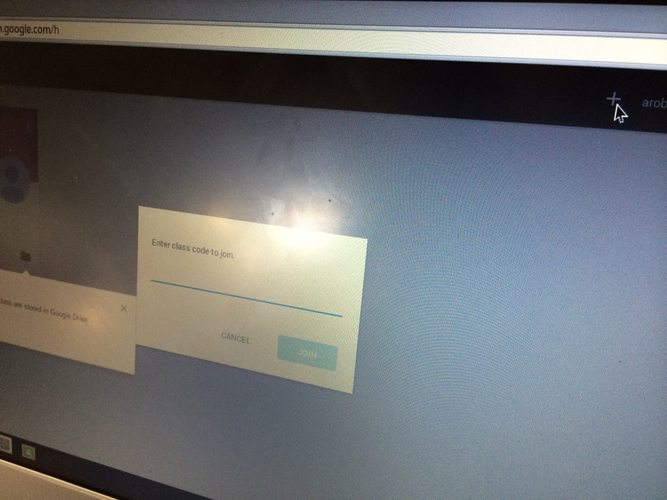 Click that plus sign and enter the code teacher gives you. 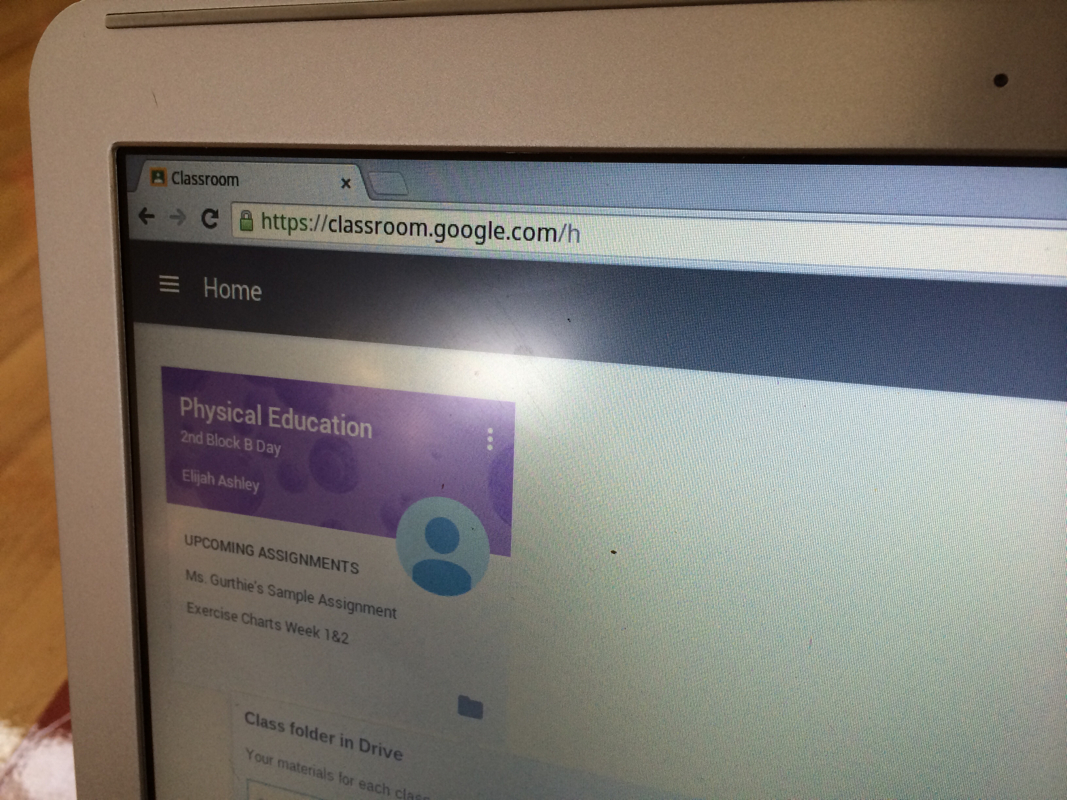 How to View and Submit Assignments in Google Classroom:
Note: After submitting an assigment, you will NO longer be able to edit the document! If you unsubmit in order to make changes AFTER the due date the work will now be seen as late. 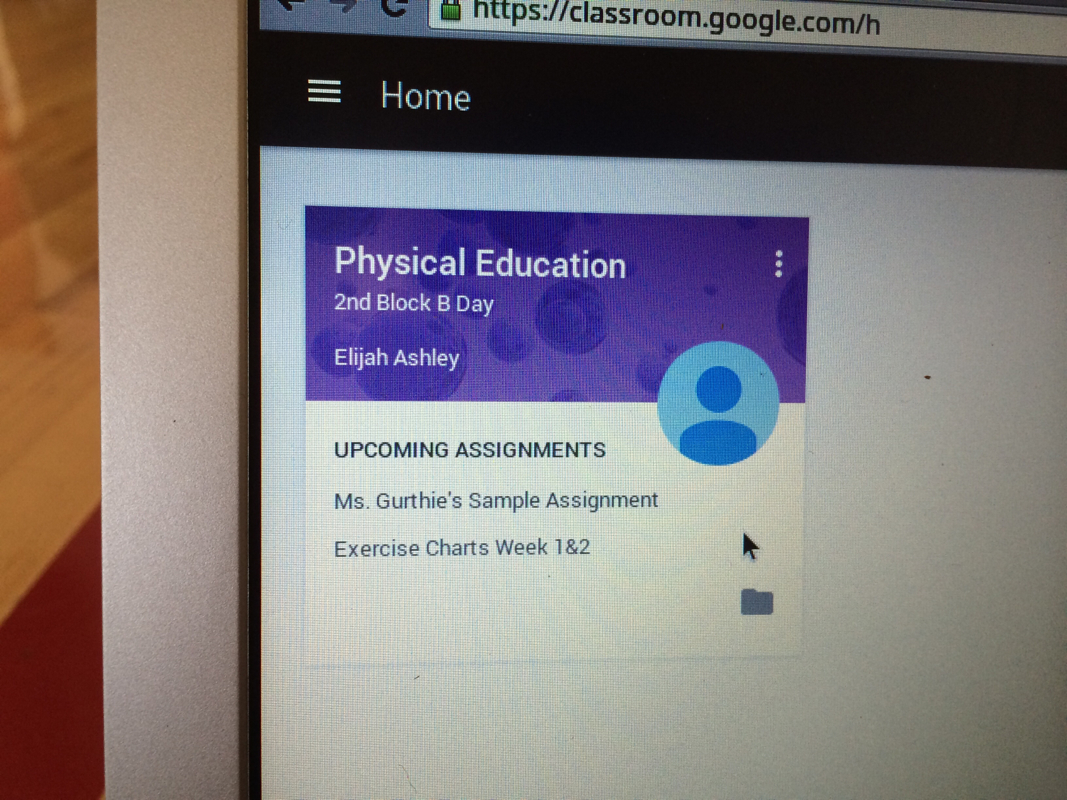 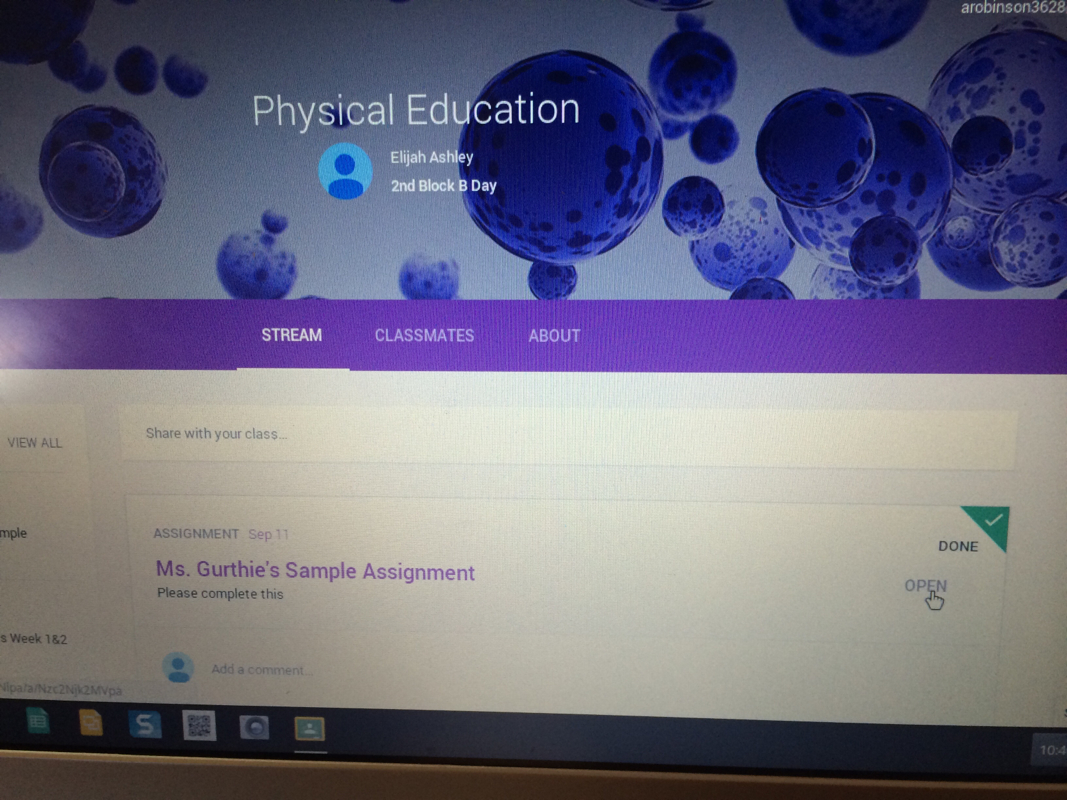 Make sure you open the assignment by clicking the "open" box to the right of the assigment name. This will allow you to edit any files your teacher has included! 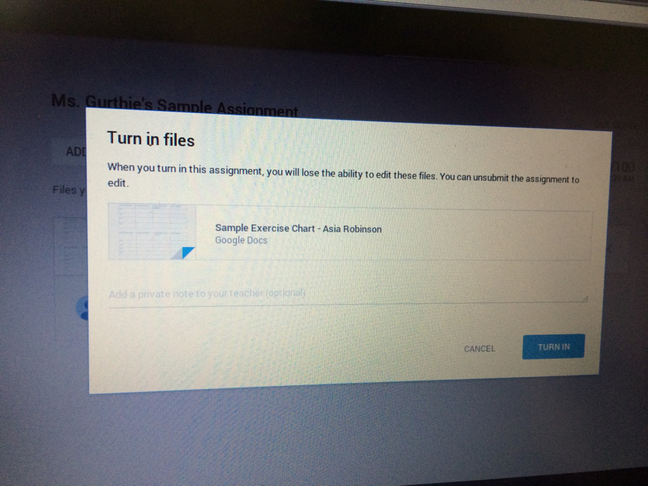 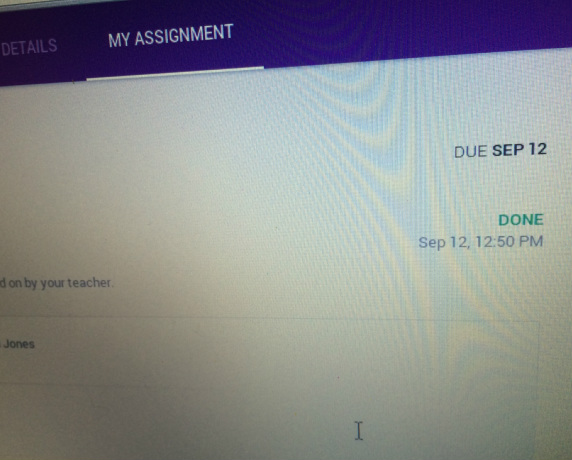 You Know you did it properly when you see the word "done" 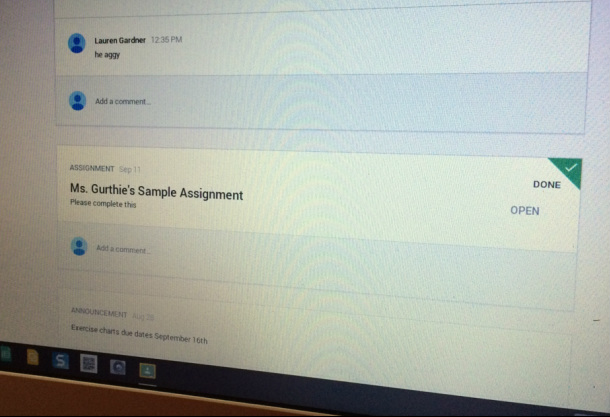 Hints: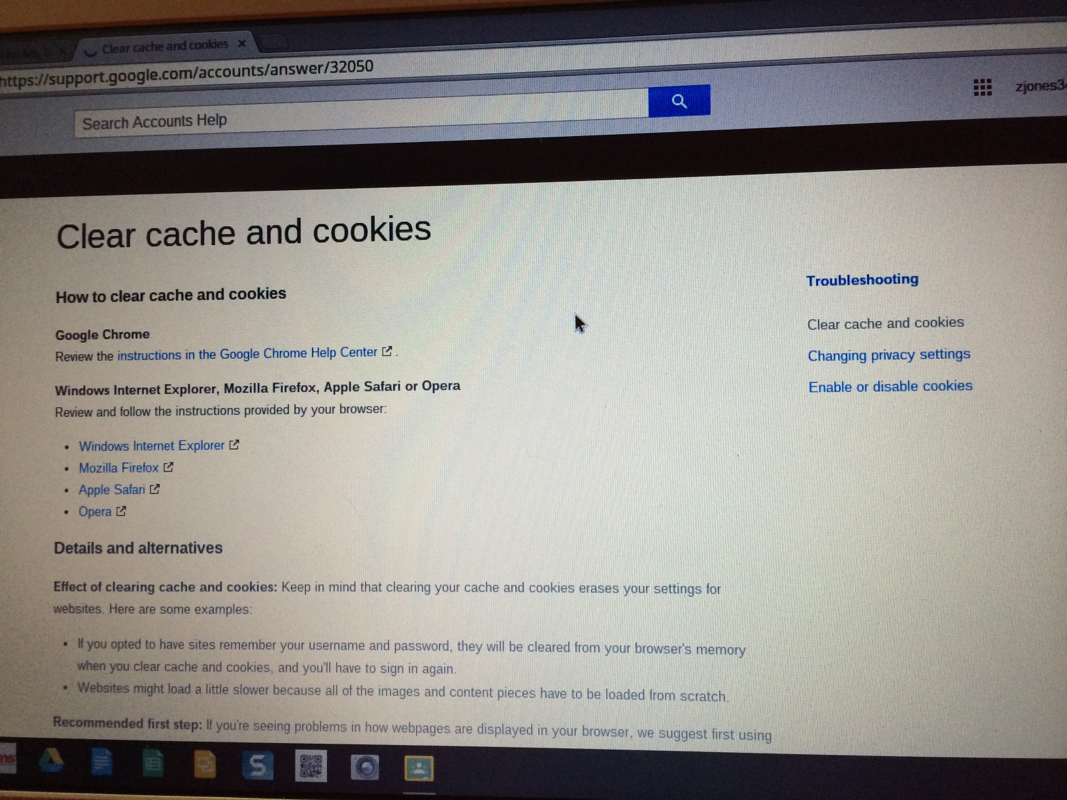 If weird things happen, you might need to go to History or settings of your browser and clear you cookies. If weird things happen, you might need to go to History or settings of your browser and clear you cookies.
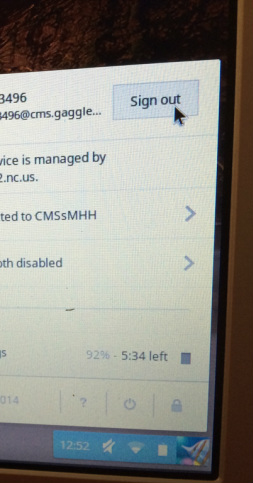
Thank you for helping us test it out! This will all make an amazing story to tell your grandkids when you are old "back in my day we used to have to turn in assigments by writing on paper! I remember when we first got Google Classroom..." Dont forget to sign out: 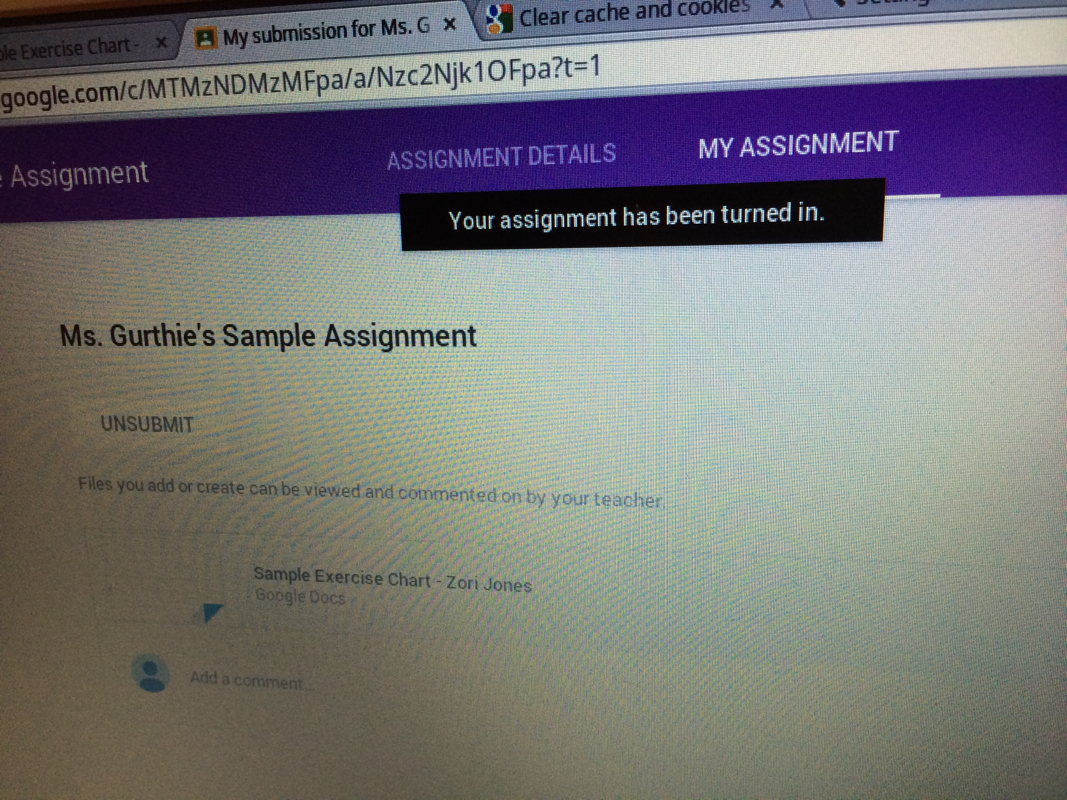 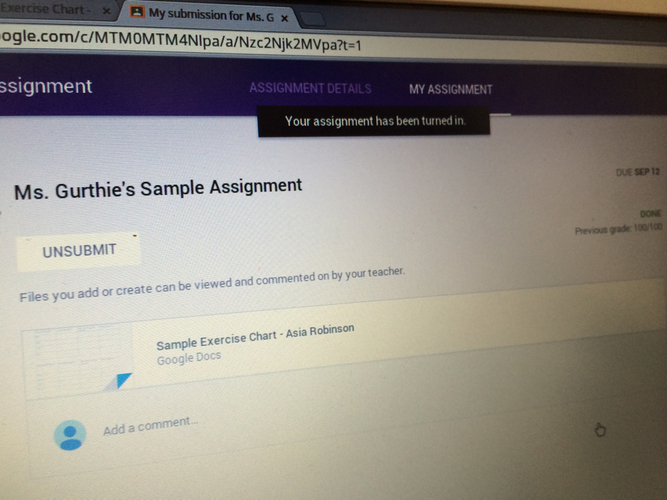 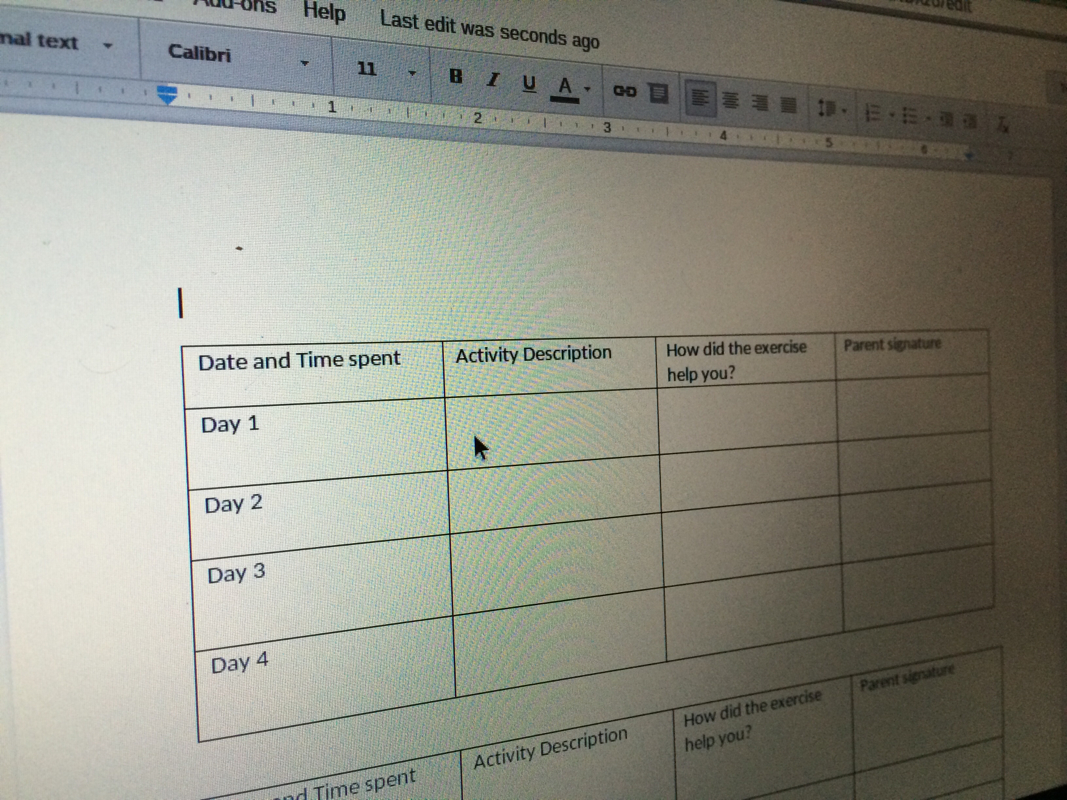 Your teacher may give you an assignment to edit or create a document as a group. 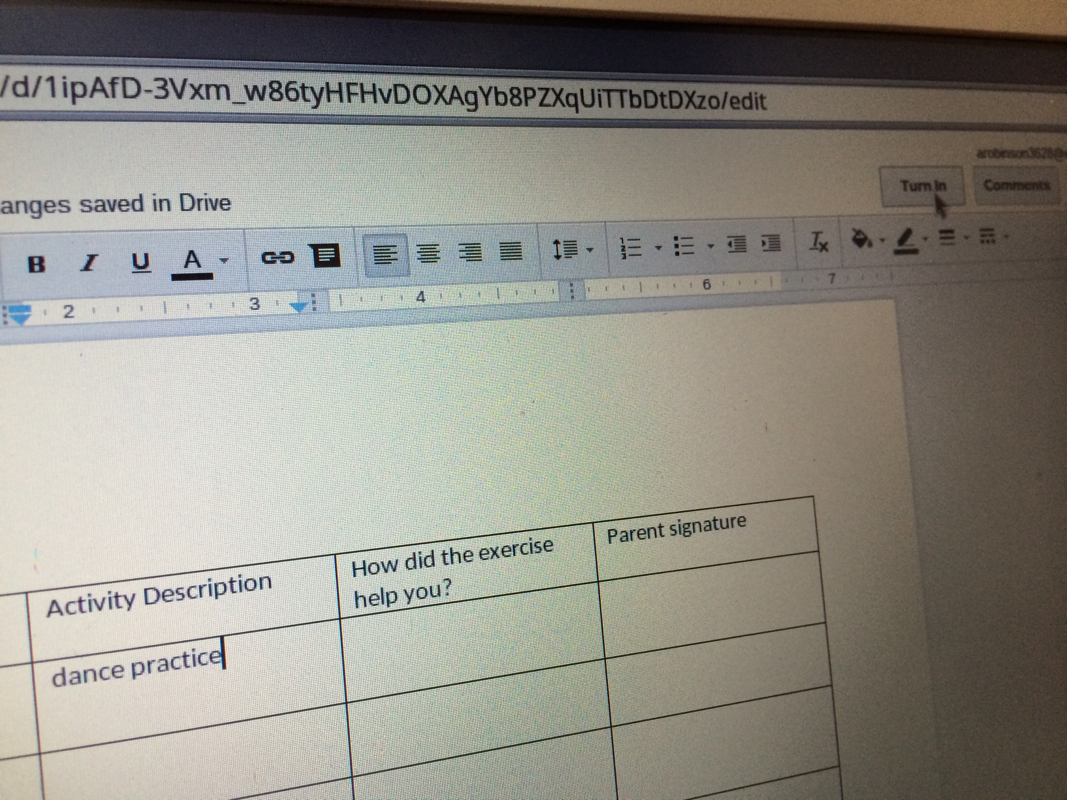 edit the document by waiting until the word processing toolbar loads and the curser moves and typing whatever you wish to add. All changes are automatically saved. When you are finished and ready to submit the work to your teacher, click "turn in" (top right) 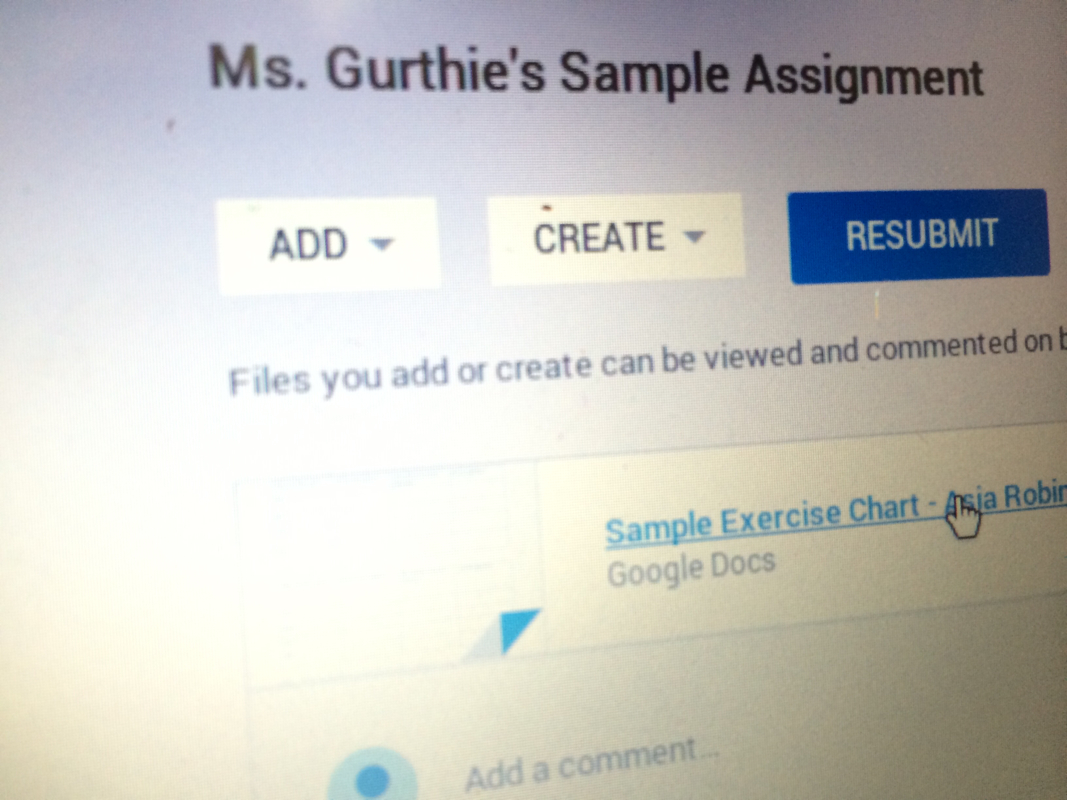 You can resubmit if you need to edit after you turned it in.
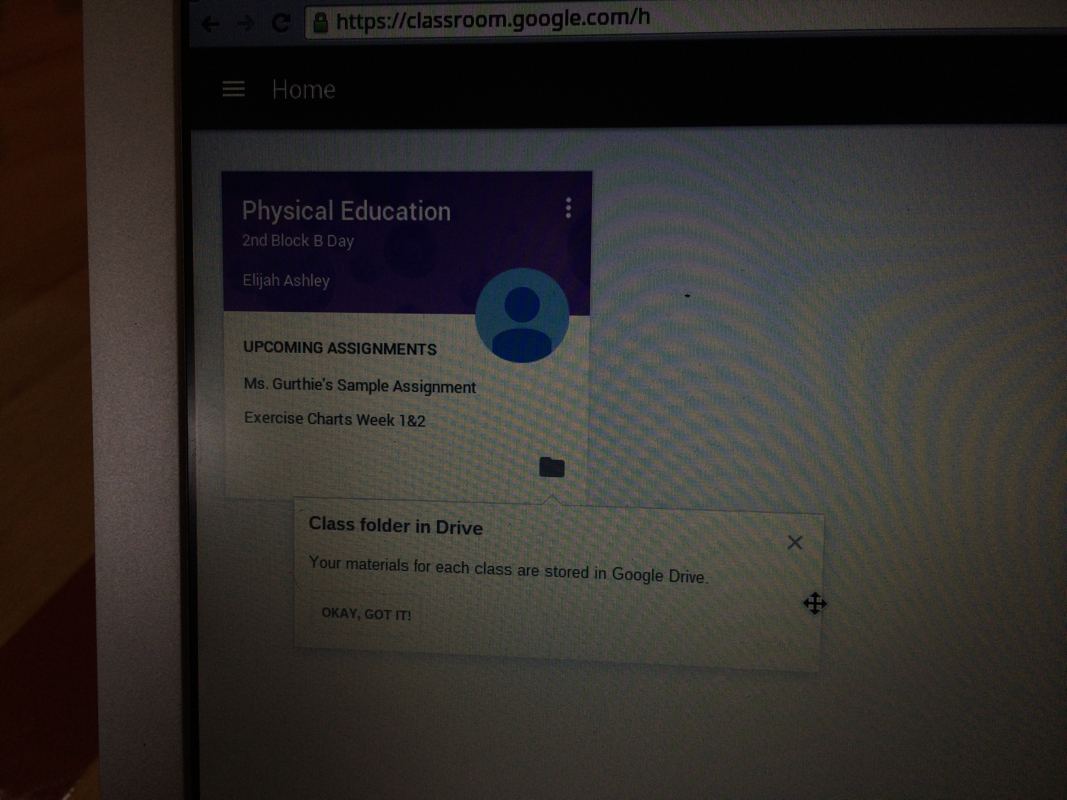 All your class documents are stored in the folder icon "the class folder" 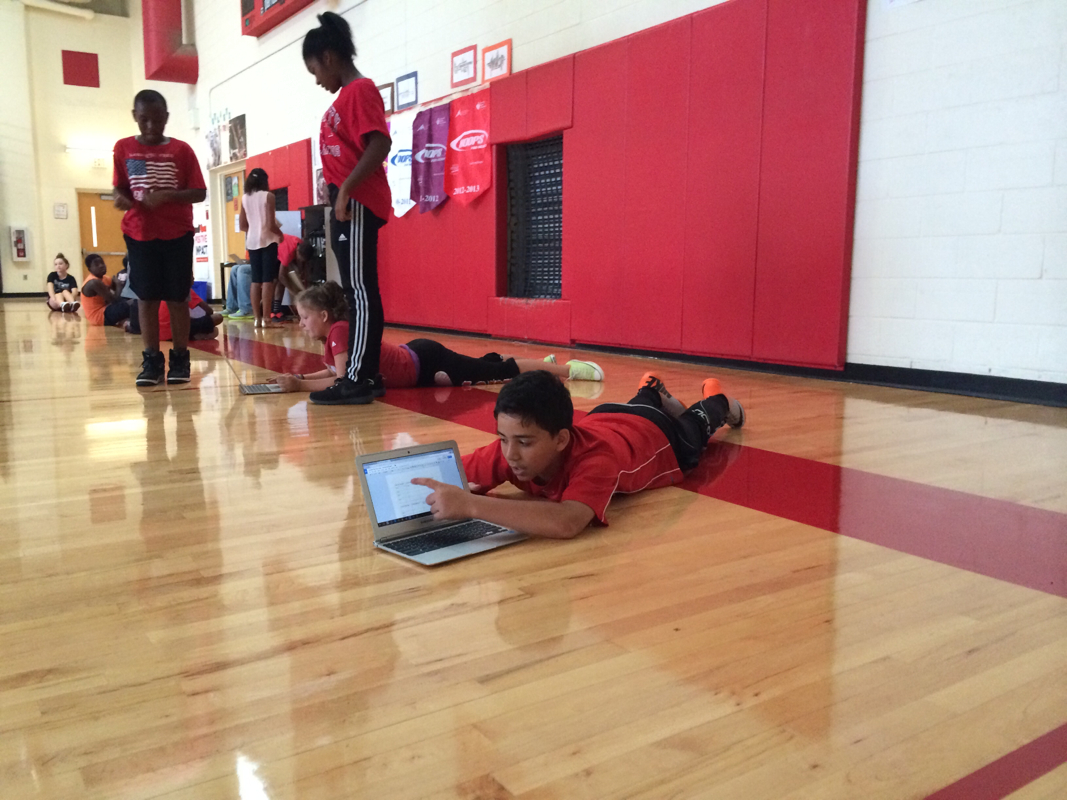 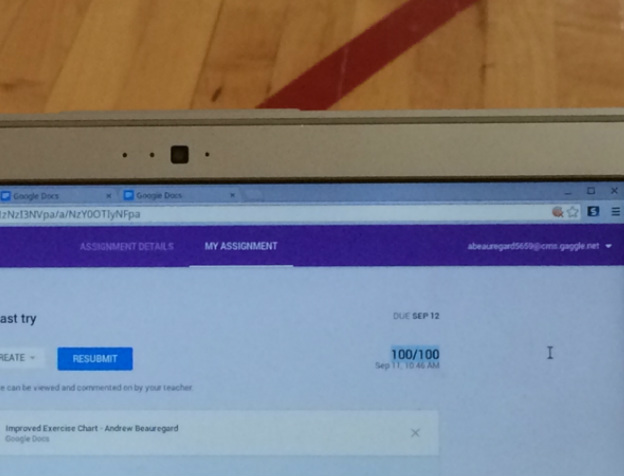 Once your teacher has graded the assignment, you will automatically see the grade.  The days of teachers spouting simplistic short-sighted shortcuts like " No citing .com's -they are not respected academically" (shudder) or "Wikipedia can never be used for research" or even "there is nothing of academic value on Youtube" are thankfully over! This a lesson in credible sources relating it to real life scam awareness and digital citizenship on social media Lesson Plan: http://msgurthie.cmswiki.wikispaces.net/CriticalEvaluating Game -Dig Cit Forced Choices- both in social media and in academics Have you ever copied and pasted - words? -images into a slideshow? Used an entire song? (show google search by usage rights) Started a project at the last minute? Used easybib or other auto citation generator? Did you see any drama this summer? You liked it? You spoke out against it? Favorite social media site is instagram? etc LOL'd at a Vine this summer? (which one?) Living Life Online magazine The lap giraffe -discuss scams the sugar glider - real life animal but site is not credible- purpose the tree octopus -discuss capow To prevent being scammed, go "CAPOW!" to knock out" a bad website. Unlike "Kaboom!", "CAPOW" is an acronym to remind you to check a site against other reputable sites and google for... C-CURRENCY- is the info on the site recent? has it been maintained? You can tell by the "look" of it, by dates it has been updated, etc, by googling the info to see if it has been adjusted etc. A-AUTHORITY- Is this website one from an authoritative institution? Is it peer reviewed? is it well respected source? Google the exact web address--what kinds of other sites refer to this site? P-PURPOSE- Is this site trying to inform, persuade, argue? If the site is trying to sell you something, be aware. O-OBJECTIVITY-Is this site covering all sides of the topic fairly? If not that is fine, you can still use it, but your research is not done-be sure to go to a site that supports other points of view. W-WRITING STYLE: Misspellings, poor grammar, slang, are all signs that a site is not academic or may be a scam or a trick by someone not educated. If it is sloppy, it may have errors in its info or thinking as well. LET's CAPOW these together right now in class: DHM0 -discuss not taking the site's word for it and the difference between a lie and a bias RYThospital -discuss not taking shortcuts
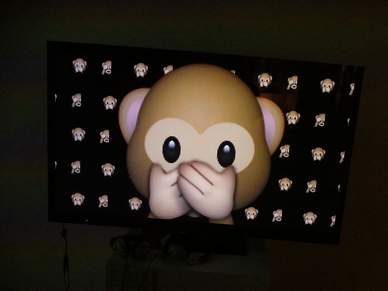 Emoji, hashtag webpage or superhero summary Create your own emoji or Emoji Sentence or instagram hashtag summarizing the best advice of today. #checkyourselfbeforeyouwreckyourself 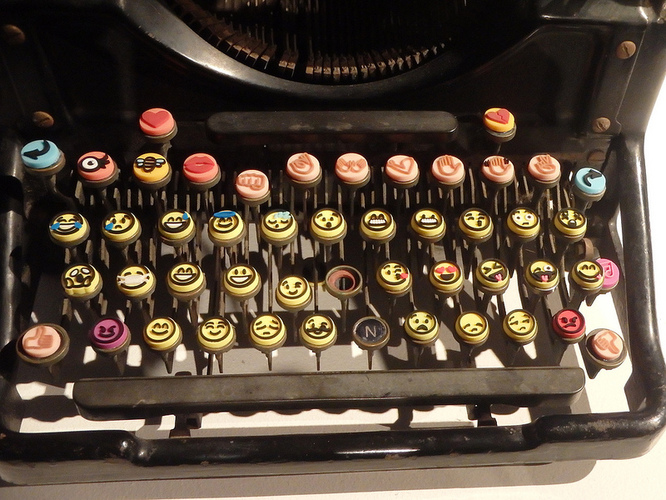  Social Media and Digital Literacy for Online Consumers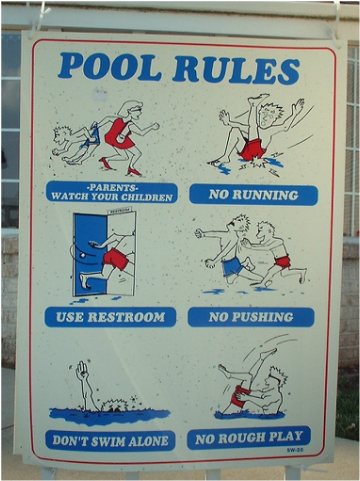 Click the image for the digital rules of the school, not the pool!
Part 1- Getting Your Feet Wet (your Digital Footprint)  http://msgurthie.cmswiki.wikispaces.net/Your+Digital+Footprint Online your digital footprint is like a footprint in cement, not like water or sand! People WILL stalk your digital footprint and what you do never goes away. future schools future employers future sports teams parents of potential bofirends and girlfriends avoid negative and accentuate the positive better to not make the mess than to try to have to clean it up.-nothing is ever truly deleted (wayback machine, cache, screenshots, stolen passwords etc) Make sure that you are following digital citizenship guidelines so you can show off your best work as part of your digital footprint without a billl or a letter from a lawyer. Google image search, royalty free music etc. More in the Olympic section below
Try Personalizing learning with a Tool like BlendSpace next lesson. Ms. Bailey has been trying out the site Blendspace in her classroom. She uses it through Edmodo, and is getting great results with it as a tool to personalize learning according to her students needs and move them up in skills. She reports also that she can see exactly how they are doing via Bendspace teacher reports. Read on to see photos of how Ms. Bailey uses it and for links to get started if you'd like to try it! 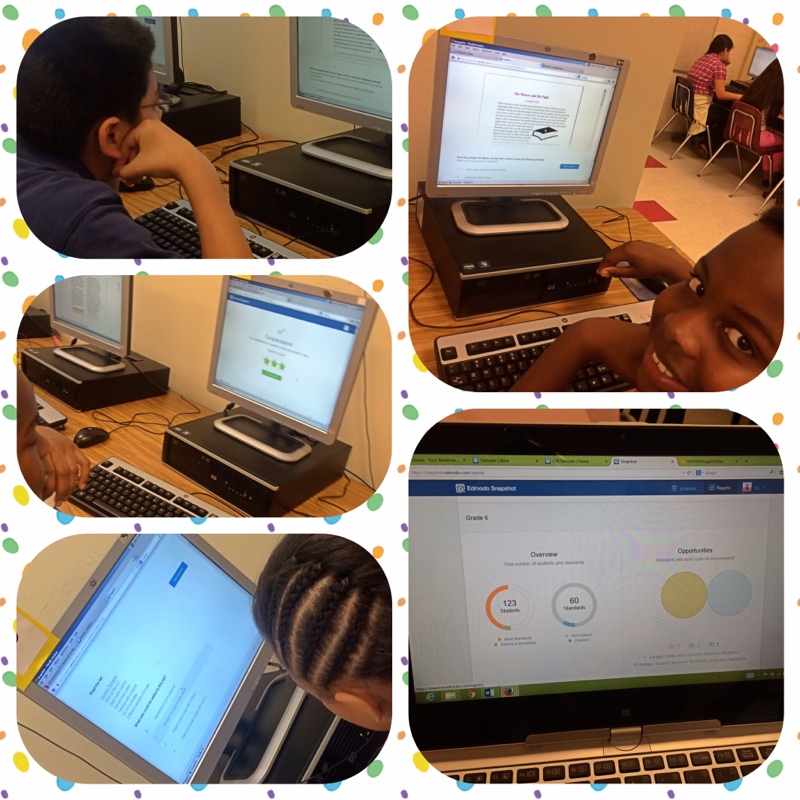 Ms. Bailey's students reading in the computer lab via BlendSpace on Edmodo. 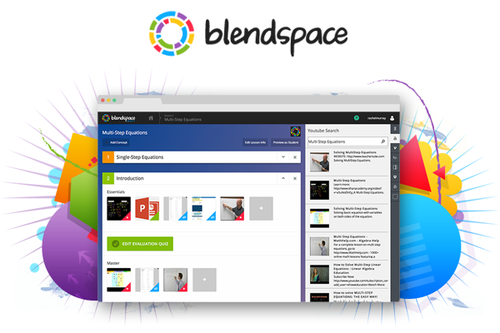 Click here to go to BlendSpace website.  Want to know more about Blendspace ? Here is a BlendSpace about Blendspaces made by a middle school teacher If you like the idea of blogging and shared learning, notice that blendspace also posts students work so they can collaborate and share. 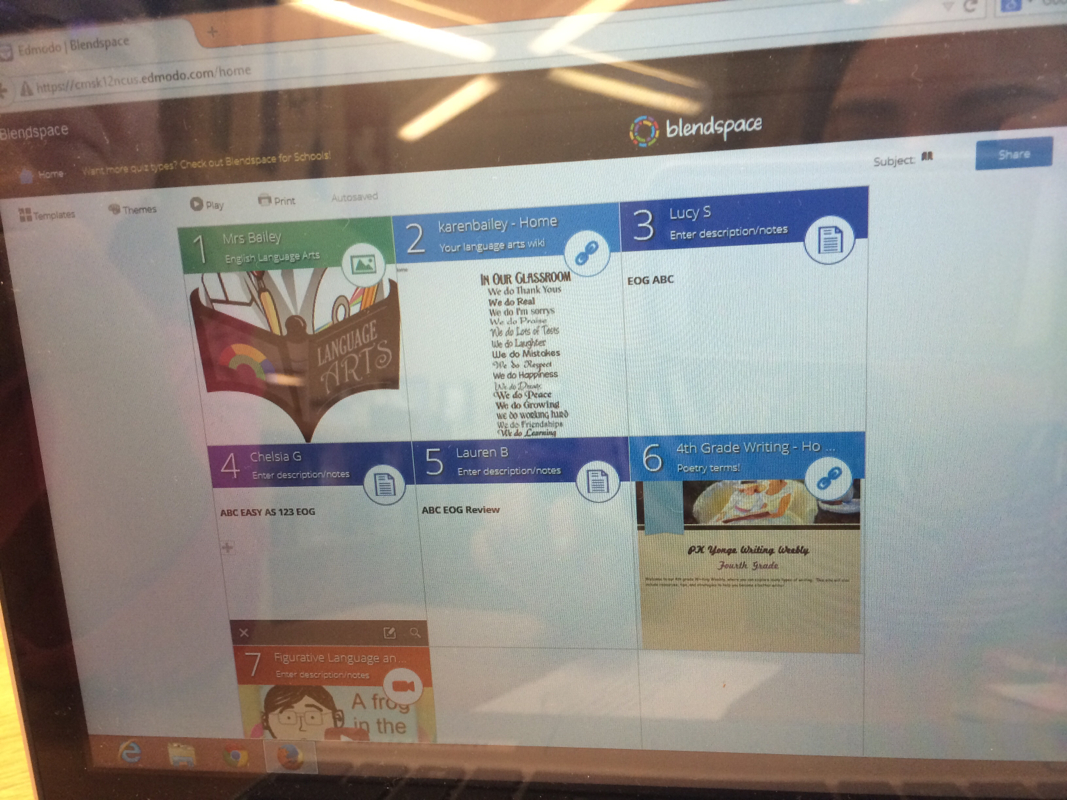 Ms. Bailey made this BlendSpace which includes images, video, her wiki, links for student learning AND ...Completed blendspaces so that students can see each other's work! 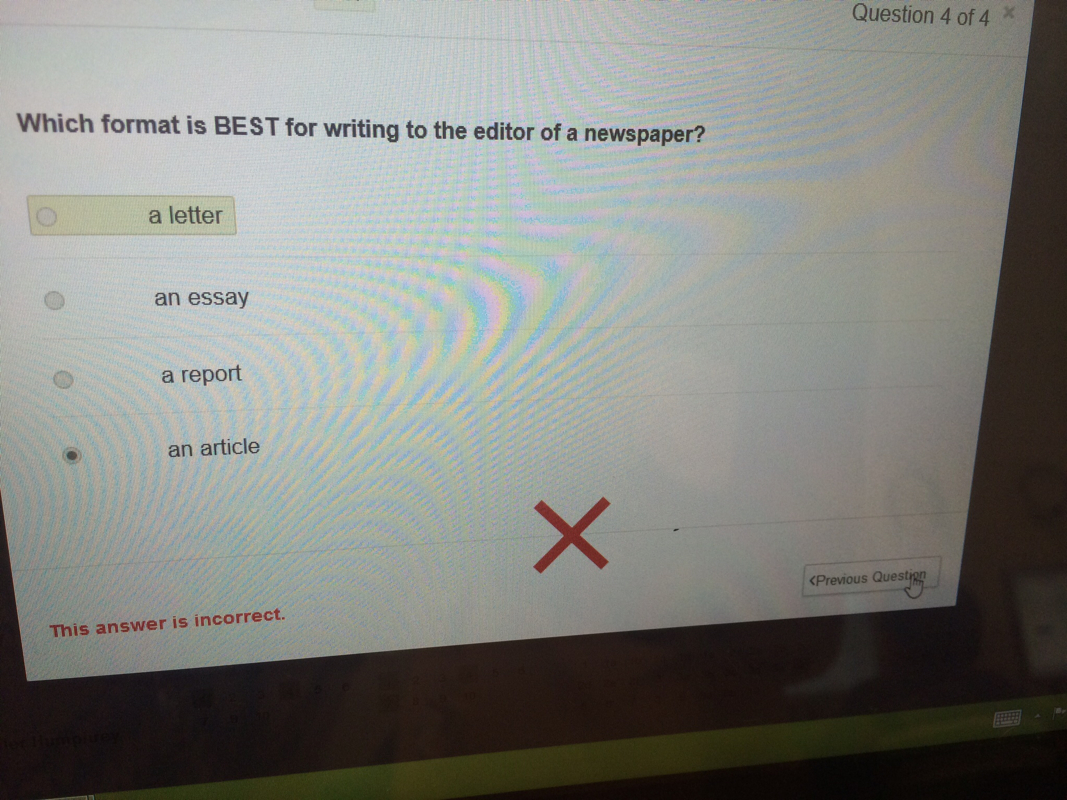 Sample question and answer for students. 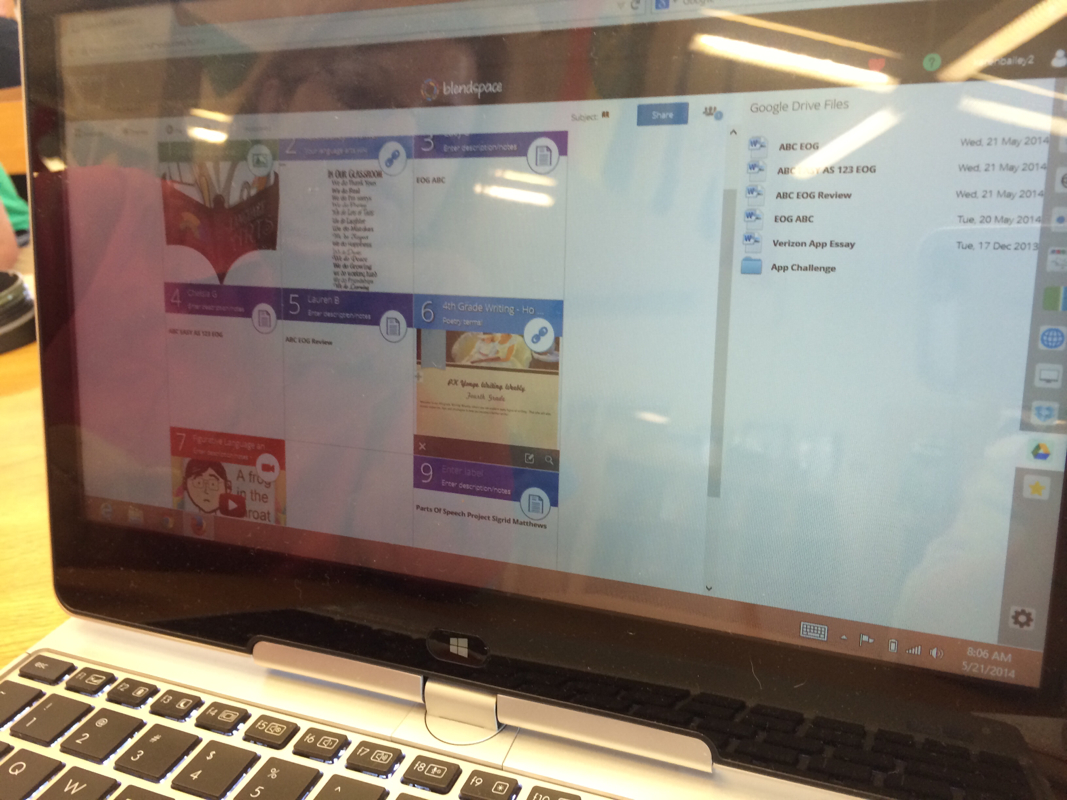 BlendSpace integrates with Google Drive. Here Ms. Bailey can take an item from her google drive files on the right and just Drag it into her BlendSpace on the left- that easy! 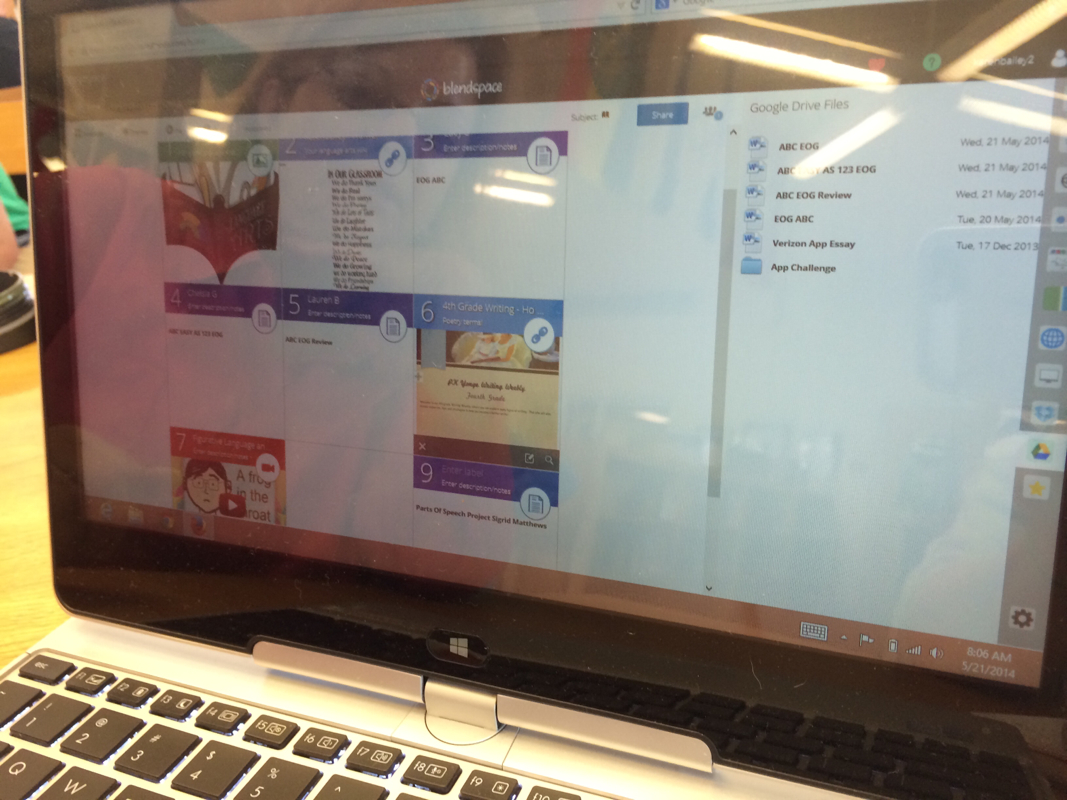 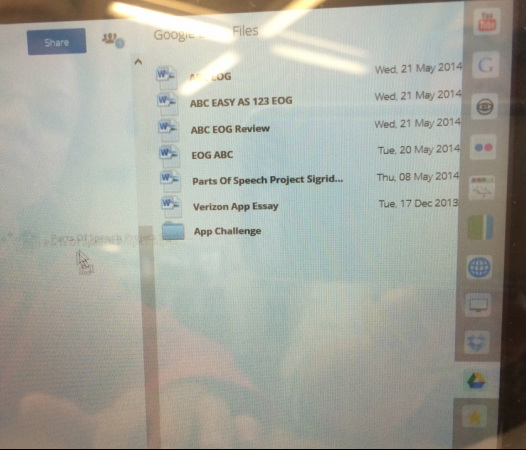 Here's a closeup of all the icons that automatically integrate with BlendSpace so you can create a blendspace by just drag- and drop. 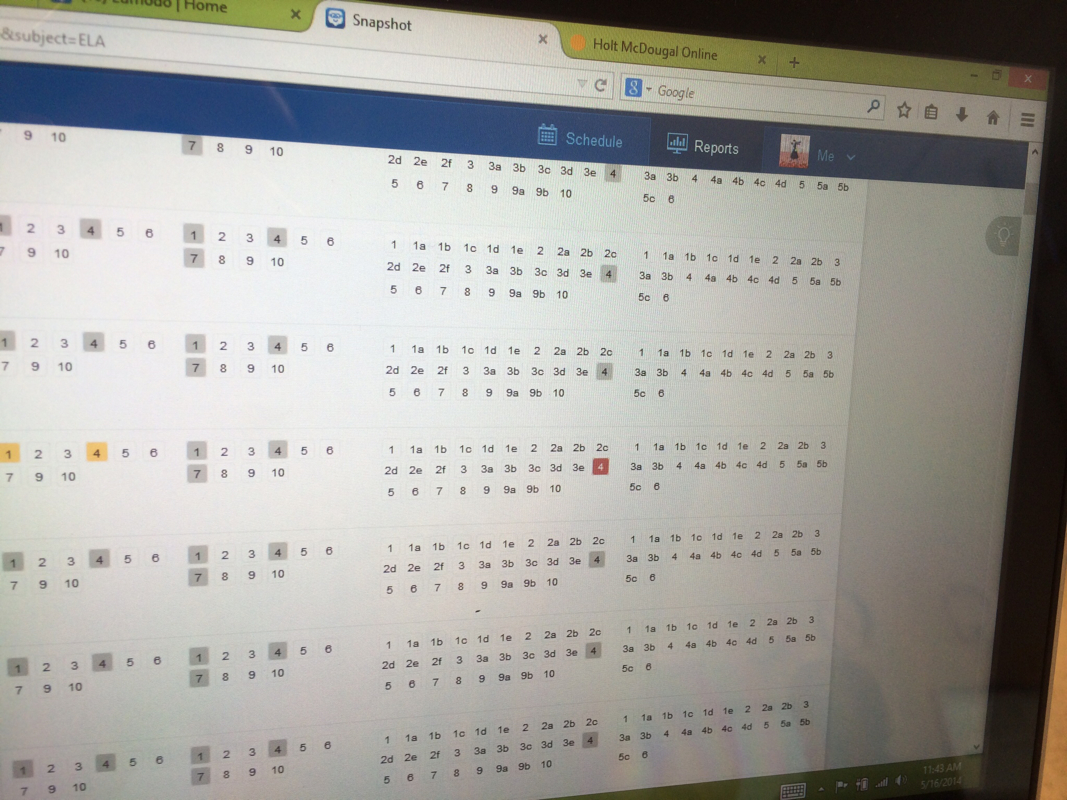 Ms. Bailey is able to see reports like this plus graphs and charts of how each child is scoring and where they are in the work she assigns. 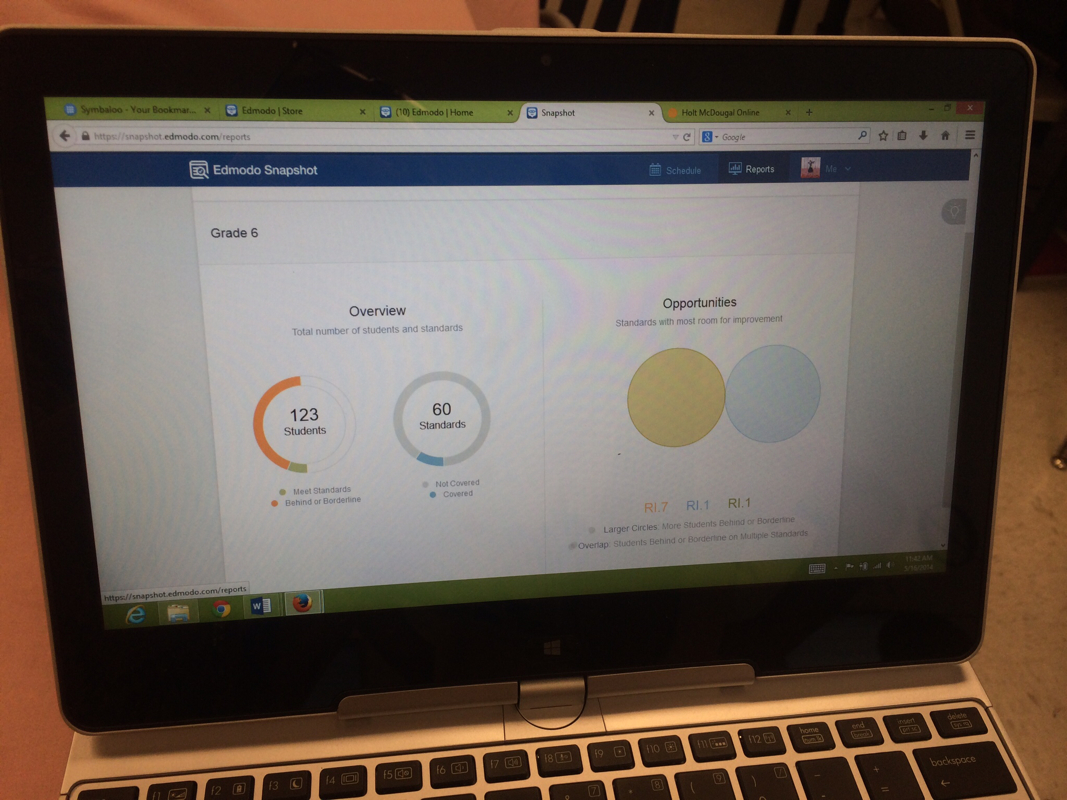 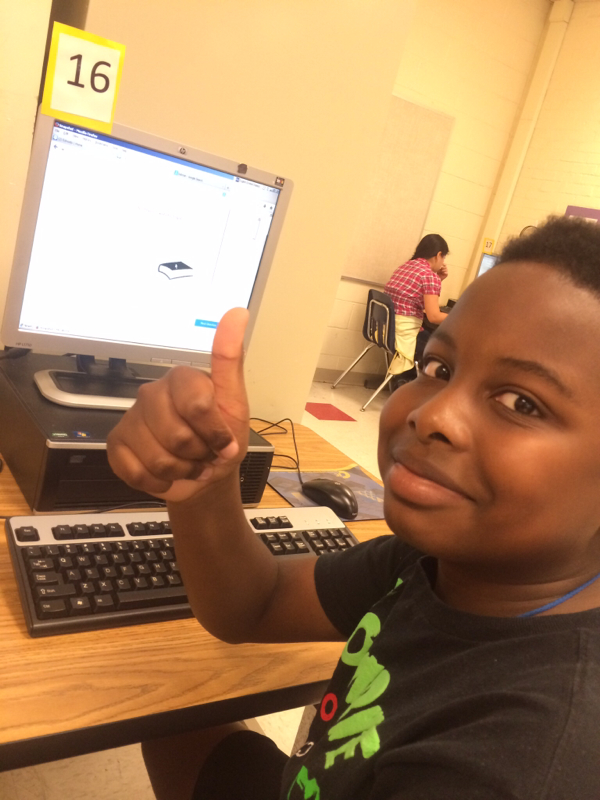 Ms. Bailey's student approves of personalized learning via BlendSpace! 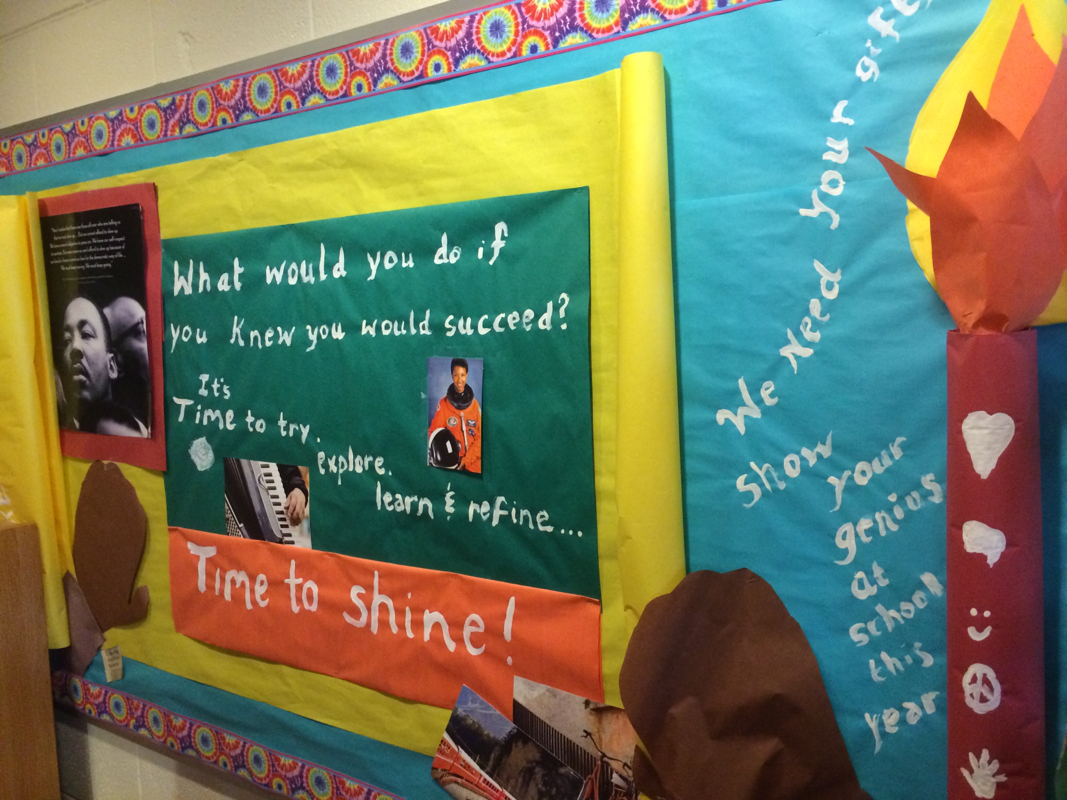 In my crystal ball I see the future of education will be makerspaces. Maybe that prediction my own wishful thinking, but I sure hope it's true. A move from content-driven fact regurgitation to studio, and lab-driven workshops can only be a good thing for our students' futures. At the rate of change in todays world, a skills-based, passion-driven, and failure-tolerant exploratory environment is the way to go! Makerspace FAQ What is a makerspace? Jake Standish defines a makerspace as any place or process that provides students the opportunity for creative expression and the pride of feeling "I made something cool!" I see it as a way in school to experience what visionary STEAM educator Seymour Pappert terms "hard fun." Makerspaces are a place to both instill and nurture students' interests organically. If you are ONLY looking for quickest test score increases, maker ed will not be for you (and I feel sad for your students.) However, done well the maker method results are INCOMPARABLY more long lasting and far reaching than traditional instruction. How did the maker movement in education start? Makerspaces in school grew out of the hackerspace movement as a way of integrating STEM or STEAM back into schools and a response to the oversanitization of education. If you are curious how they look outside of a school stetting, there is a hackerspace near our school. google "Charlotte Hackerspace" to find where and maybe do a field trip. There are also maker faires in many areas. Do I need to be an engineer, a tech expert or a scientist to run a makerspace with my students? Not at all. Students can teach each other, learn from videos or instructions, or get help from adult or high school volunteers. Just provide the supplies and let students decide what to do with them. Makerspaces do not have to include electronics but there are many creative electronic kits out there that are affordable even for a beginning school. Check the resources question below for a few. " if you know the right end of a soldering iron , adafruot will get you the rest of the way." - Jake Standish of CMS I can't abide chaos, should I even try this? Yes, frustration and false starts will be common, valuable, and instructive, but you can minimize the chaos with rubrics and directed projects and minimize the mess with 3D printed and computer based projects. Ideas are on the Pirate STEAMShip page. I also recommend partnering with a chaos-tolerant co-teacher! Put your classes together! How can I get started? Rather than worry about who would use it or how, we got started by gathering anything that could be used into one spot and cataloging it:
When Ms. Newburger came back as our media specialist, she created a permanent makerspace home and improved the vision and -while waiting for the funding for her larger vision, immediately re-created the media center. She
Where can my students and I find ideas?
What equipment?
Makerspaces as an Extention of PBL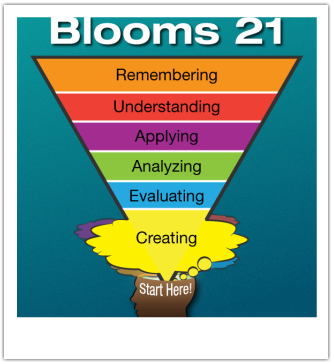 Creating should be the driver for learning! Creating should be the driver for learning! PBL - project based learning, also called Passion based learning can be student-driven and creation driven. This kind of PBL - known as Love of learning, 20% time and Genius hour is creating some great results is based on the idea of flipping blooms (see image) while also giving students a voice in what is created. It rewards intelligences often ignored in traditonal education and is more motivating that a teacher-driven class. It can also be the bait that drives students to grow their skills as they see the need. At Piedmont we are one of the first CMS schools to create a makerspace. Our MakerSpace supplies are the perfect compliment to make-ify your lessons and/or nurture the variety of genius in your classroom! In addition to our extensive collection of multiple intelligences apps, Green Screen, Collaboration Board area, MakerSpace workbench and Makerbot Replicator 2 3Dprinter housed in the media center, we have mobile carts of supplies available for checkout to your room. Check this link for the full list of offerings http://piratesteamship.cmswiki.wikispaces.net/STEAMshipCarts See Lisa Gurthie or Lisa Newburger for ideas of how to use these in projects or curriculum. The full information about STEAM integration at Piedmont via the PirateSTEAMship is here http://piratesteamship.cmswiki.wikispaces.net Photo Gallery Piedmont's Middle School Makers in Action 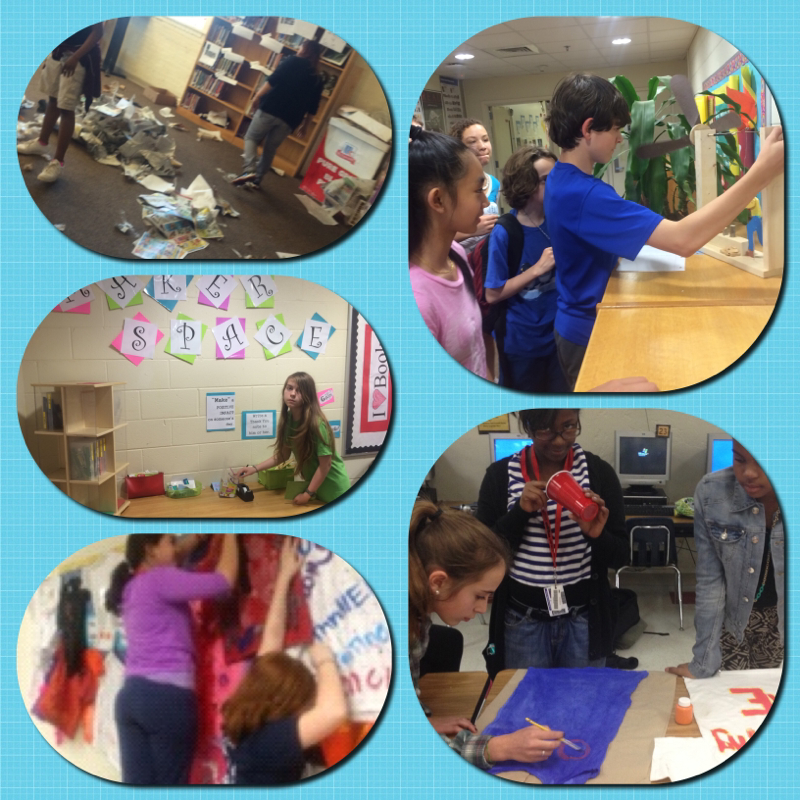 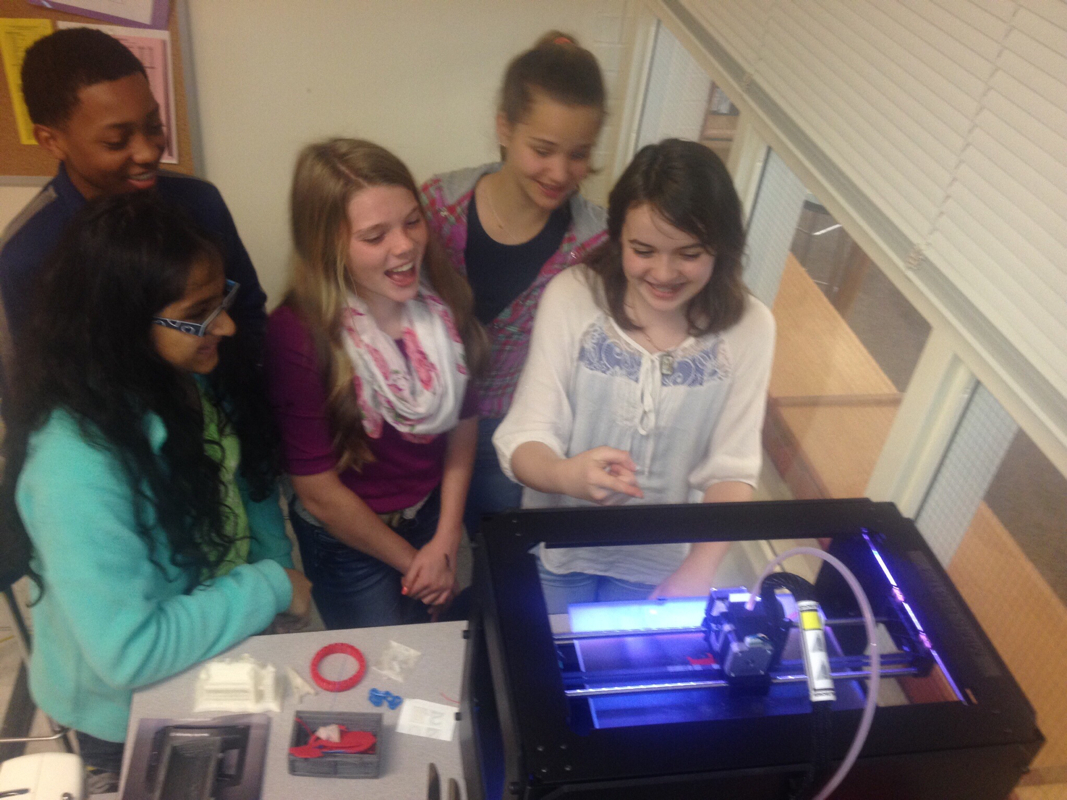 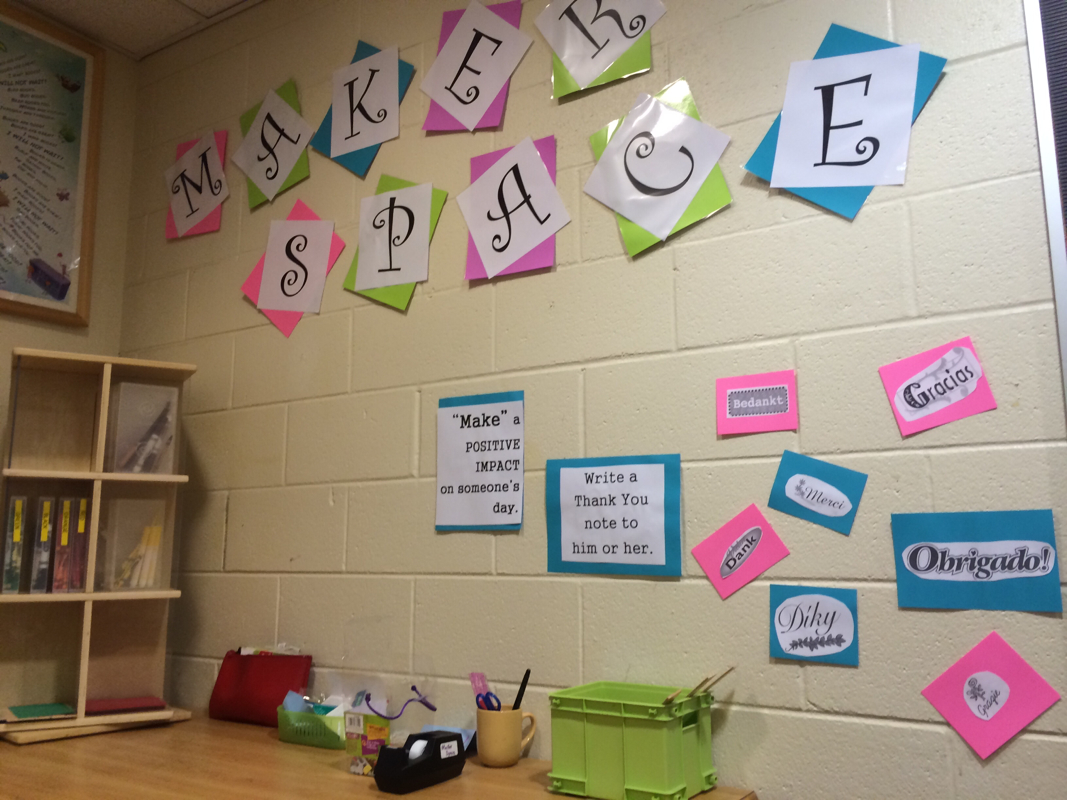 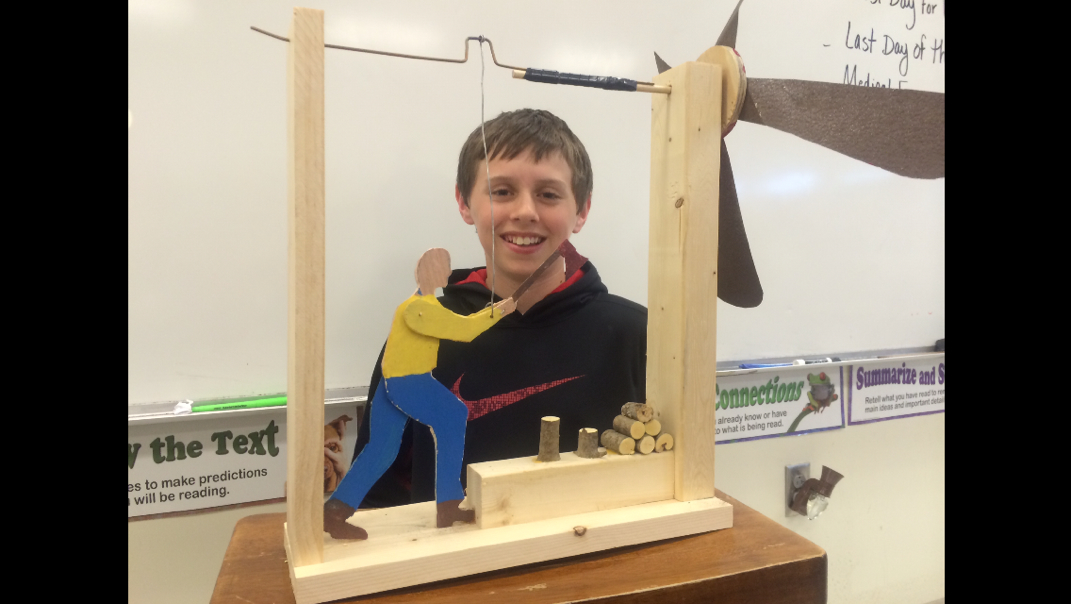 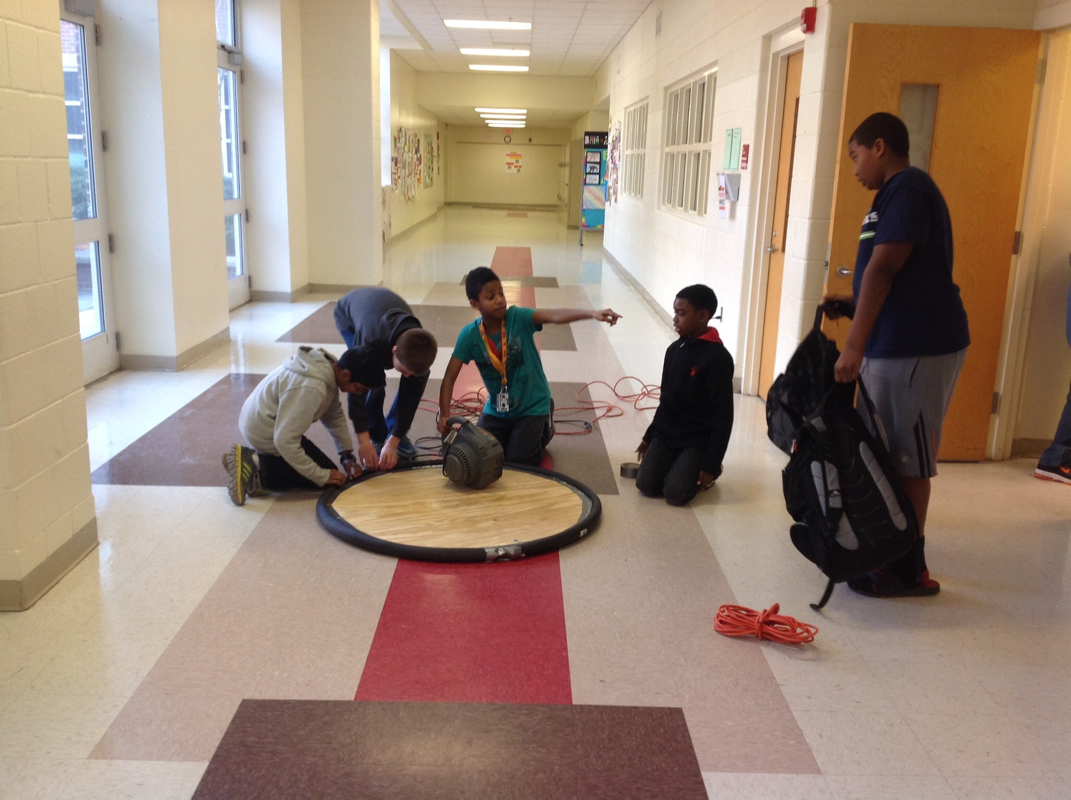 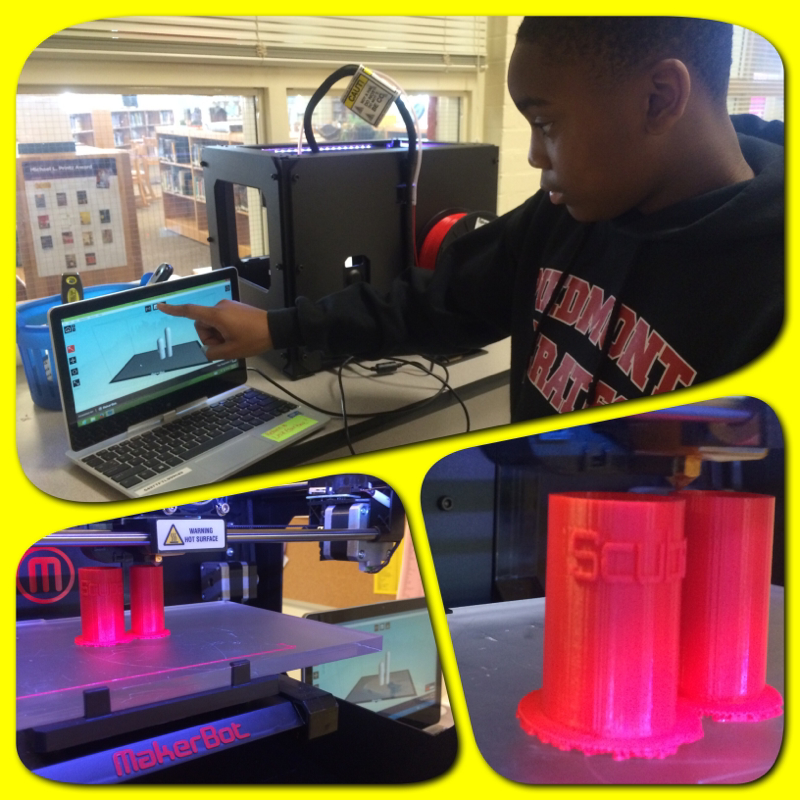 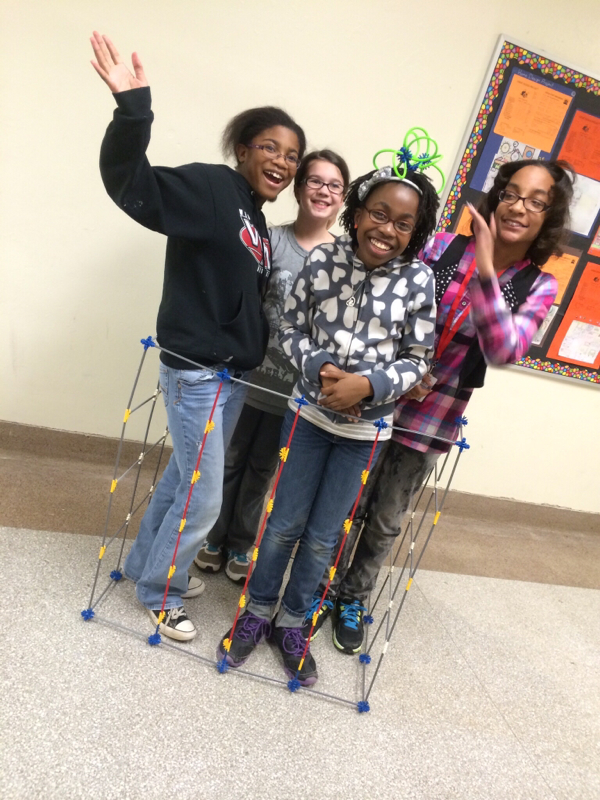 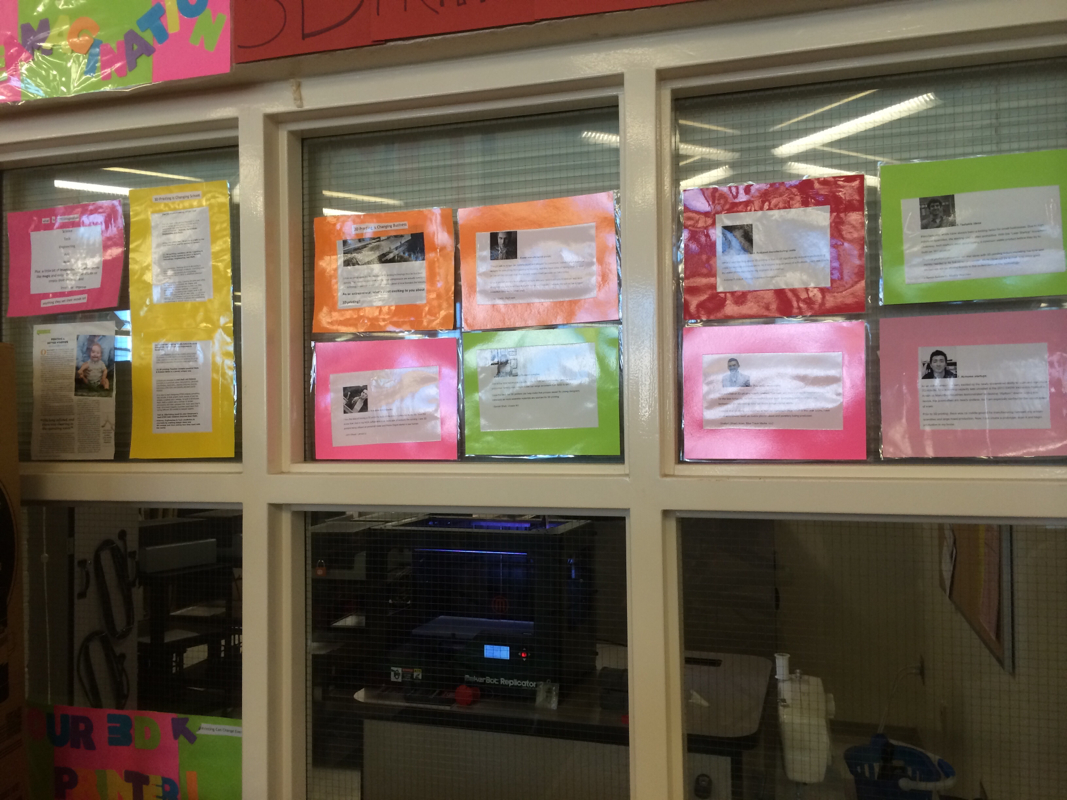 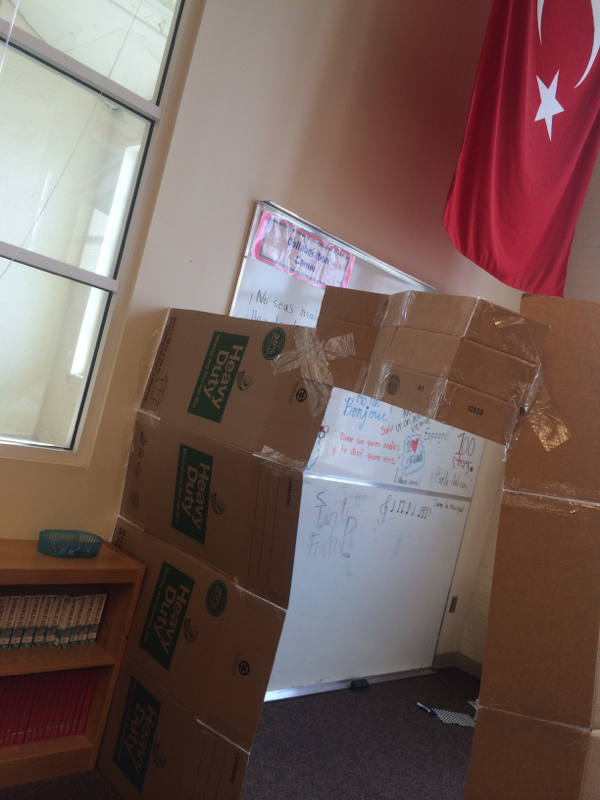 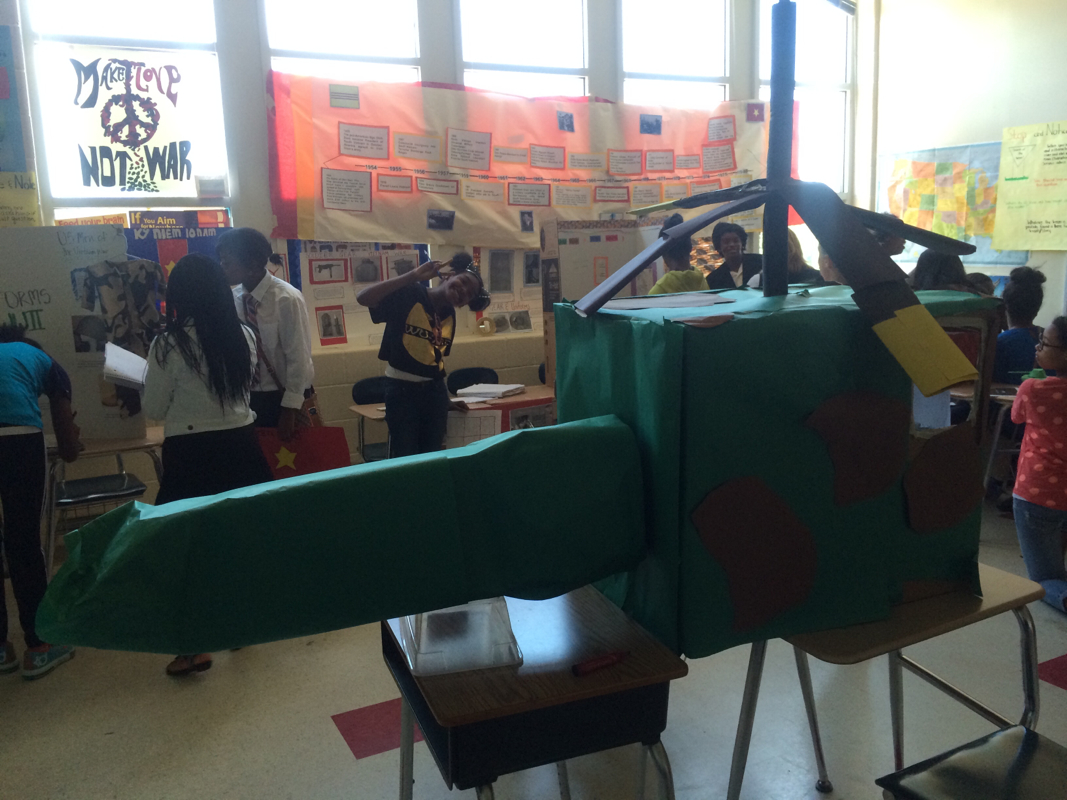 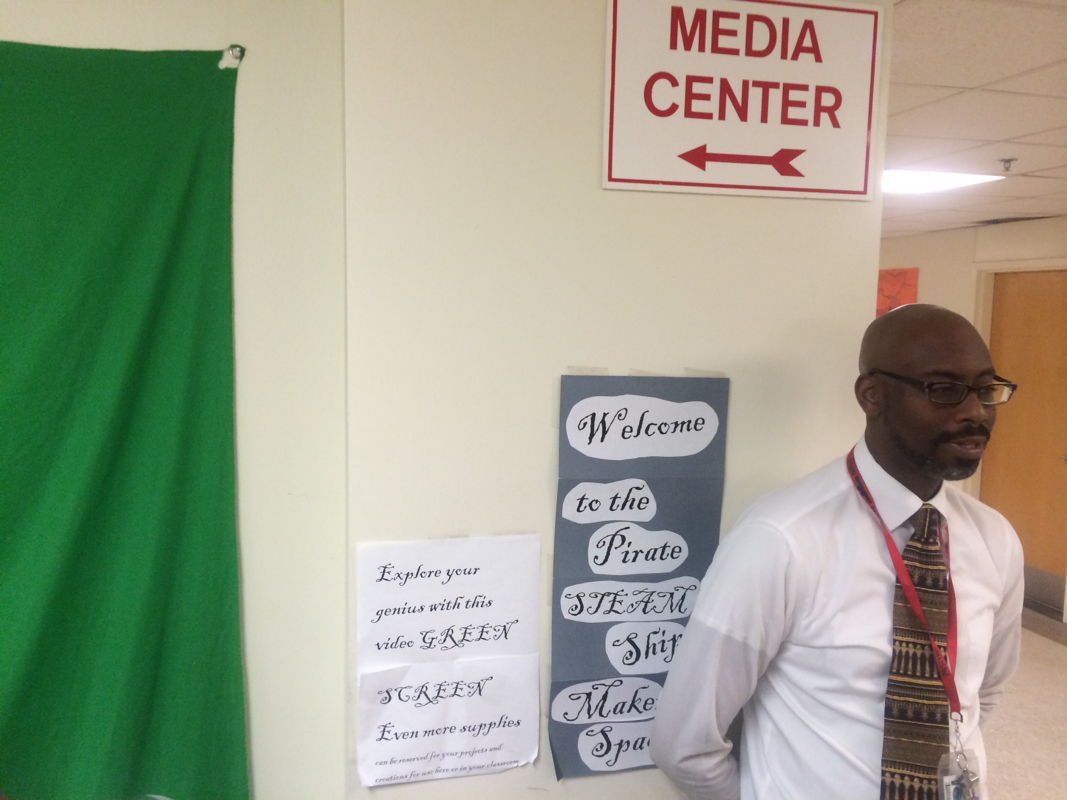 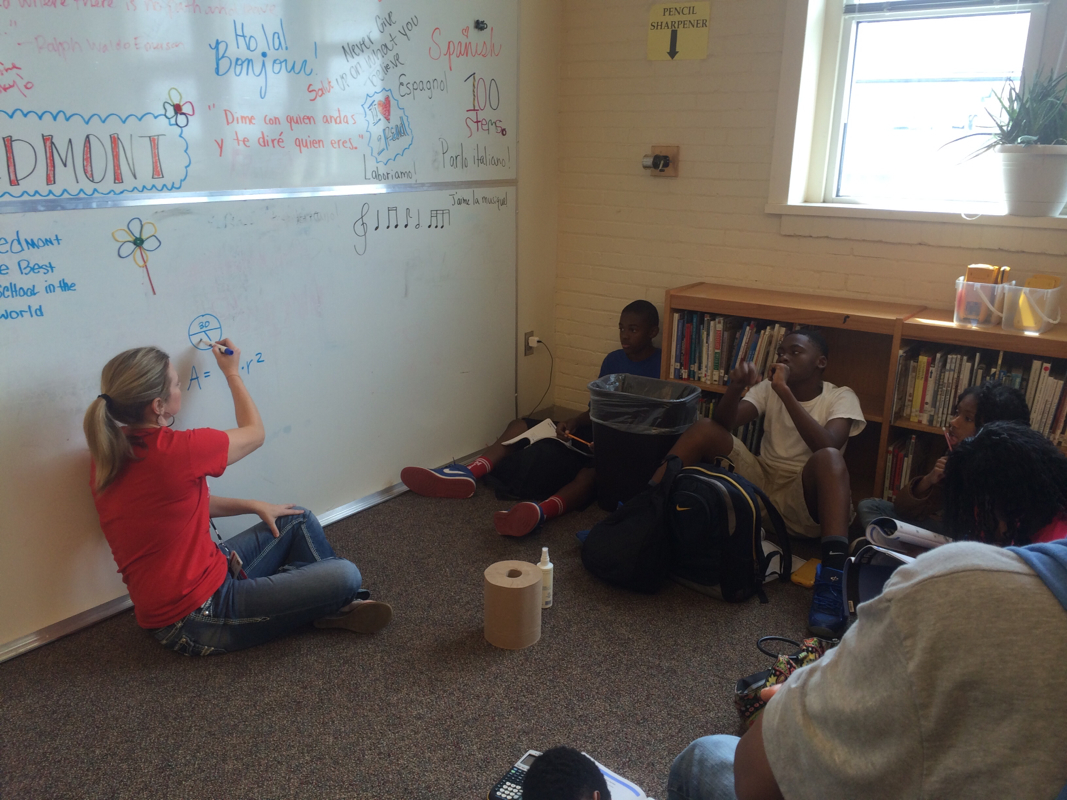 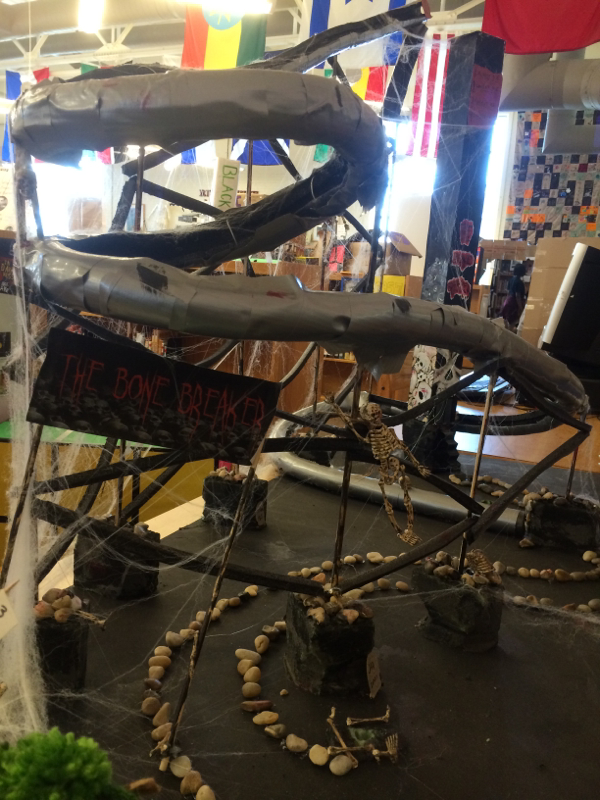 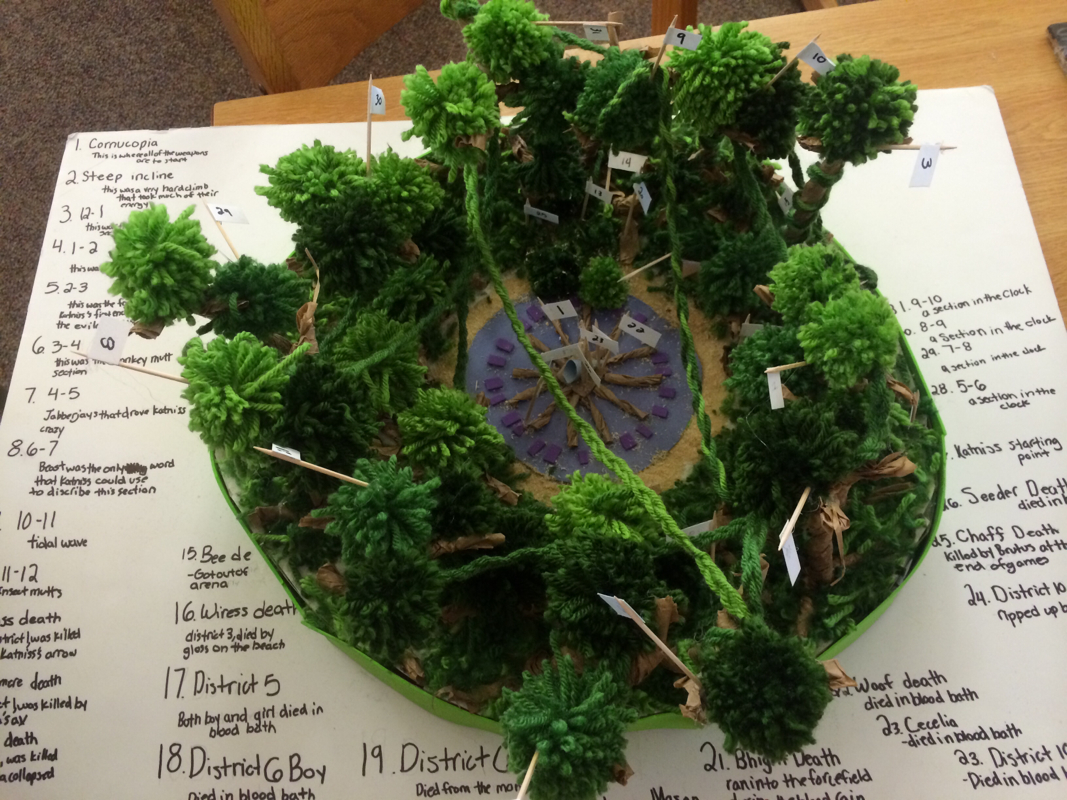  Click the roulette wheel to find a strategy Click the roulette wheel to find a strategy In a lesson slump? Sometimes it's hard to recall all the clever pedagogical strategies at your disposal when you are in the thick of wrestling with content.
When I first started teaching 25 years ago, I kept a little file box of index cards on my desk that I started penciling in strategies into, one per card. I lost that box and I never did keep it up anyway as I was ovewhelmed with teaching, but thanks to Kelly Jo Rowan, (and Mr. Tornfelt for sharing) I now have all those strategies in one handly location! Just scroll through the strategies here at the Glossary of Insructional Strategies. With a list this exhaustive, you're sure to find something that will fit with your objective. Not all strategies suit all objectives, but sometimes it is fun to choose a strategy and see how you can make it fit.  This post was inspired by CMS's own Malik Richardson's (@mrich1191 on Twitter) tweet of this article:
http://www.edudemic.com/teachers-and-students-should-backchannel/ Ms. Burick (@NerdAlert497 on Twitter) devised a method of using backchannel in class with non-fiction reading that can work with any discipline anytime of the year. It also is a great first step at BYOT integration for teachers who are not sure how to use devices in class to increase learning. She simply opens a backchannel and projects it on her screen as student thumb through books on the topic she has provided. As students encounter facts they want to share, they post them for each other. This can be done even with a textbook chapter, but students love to see a large selection of inviting library books in the room to pick from. Not only does "Nerdalert Backchannel" allow all voices to be heard, Ms. Burick reports it motivates the students to read more as they challenge each other to come up with the "best" facts. It allows sharing to happen at a convenient time for both the reader and the writer, so the entire class does not have to stop reading when someone wants to share a fact. Students can look up from their reading as they wish and contribute at their own pace. It also forces students to think through their thoughts a bit more than just raising their hands, and gives instant feedback for sharing in the form of "oohs and aaahs" from classmates! |
Categories
All
Author I am Lisa Gurthie the PD facilitator at Piedmont IB Middle School. She specializes in tech and arts integration, interdisciplinary, holistic education, and unschooling school to make it more real and relevant. One day I will modernize my "about" page. Check out the other blogs on this site for Lesson Ideas, Celebration of Good Teaching, and Piedmont PD Archives
February 2021
Categories
All
|




 RSS Feed
Photos from citymaus, The All-Nite Images, Lindy Buckley, peasap, Claudio Gennari ..."Cogli l'attimo ferma il tempo", mikemariano, faungg's photos, frankieleon, Chris Piascik, Kurisu, familymwr, kc7fys, el_itur, cowbite, eilonwy77, pestoverde, Marcin Wichary, Postmemes.com, alexliivet, UK in Italy, JoeInSouthernCA, Nathan O'Nions, jimmiehomeschoolmom, surreynews, Hans-Jörg von Schroeter, Bekathwia, CarbonNYC, marc falardeau, conorwithonen, LeonArts.at, Nina Matthews Photography, Georgie Pauwels, cwwycoff1, dullhunk, The All-Nite Images, Castles, Capes & Clones, warrenski, juhansonin, Ke7dbx, Muffet
